


.webp)
Opening now...


You’ll need to use a desktop browser to set up your Streak account. You can install Streak now and finish setup on desktop later.
To get started with Chrome, install Streak from the Chrome Web Store on your desktop. Share your email and we'll send you the install link directly.
To get started with Safari, install Streak from the Mac App store on your desktop. Share your email and we'll send you the install link directly.
To get started with Edge, install Streak from the Edge Add-ons store on your desktop. Share your email and we'll send you the install link directly.


If you’ve installed Streak and completed onboarding on desktop, you can install the Streak app to access your pipelines on mobile.


AI summary and Q&A are now available in the Streak sidebar. Summarize the full deal or ask a specific question about it, right next to an email thread in your Gmail inbox.
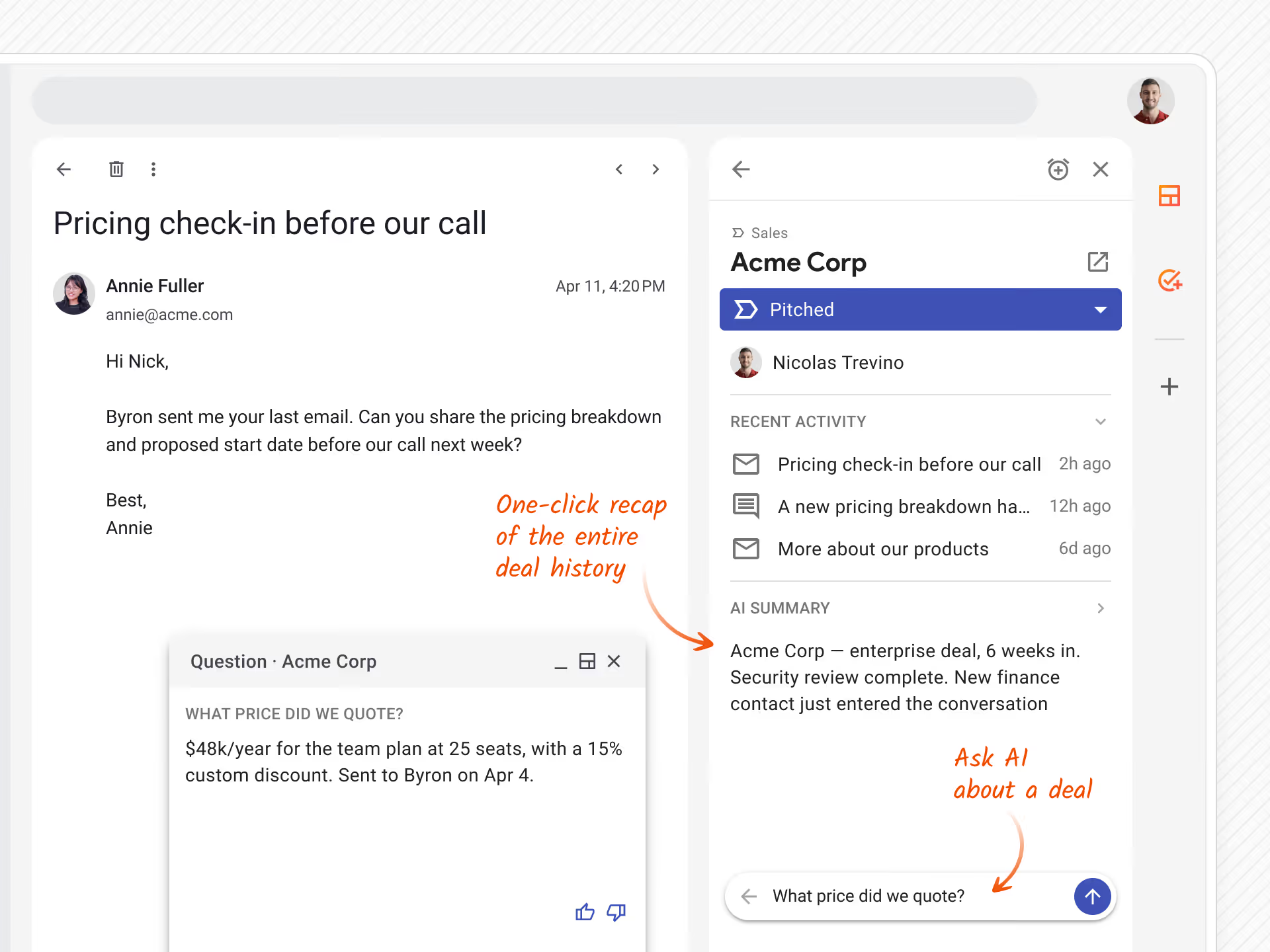
Use AI in the Streak sidebar to:
AI summaries and Q&A each use 1 AI credit.
Learn more about Streak AI →


