










.webp)
Opening now...


You’ll need to use a desktop browser to set up your Streak account. You can install Streak now and finish setup on desktop later.
To get started with Chrome, install Streak from the Chrome Web Store on your desktop. Share your email and we'll send you the install link directly.
To get started with Safari, install Streak from the Mac App store on your desktop. Share your email and we'll send you the install link directly.
To get started with Edge, install Streak from the Edge Add-ons store on your desktop. Share your email and we'll send you the install link directly.


If you’ve installed Streak and completed onboarding on desktop, you can install the Streak app to access your pipelines on mobile.



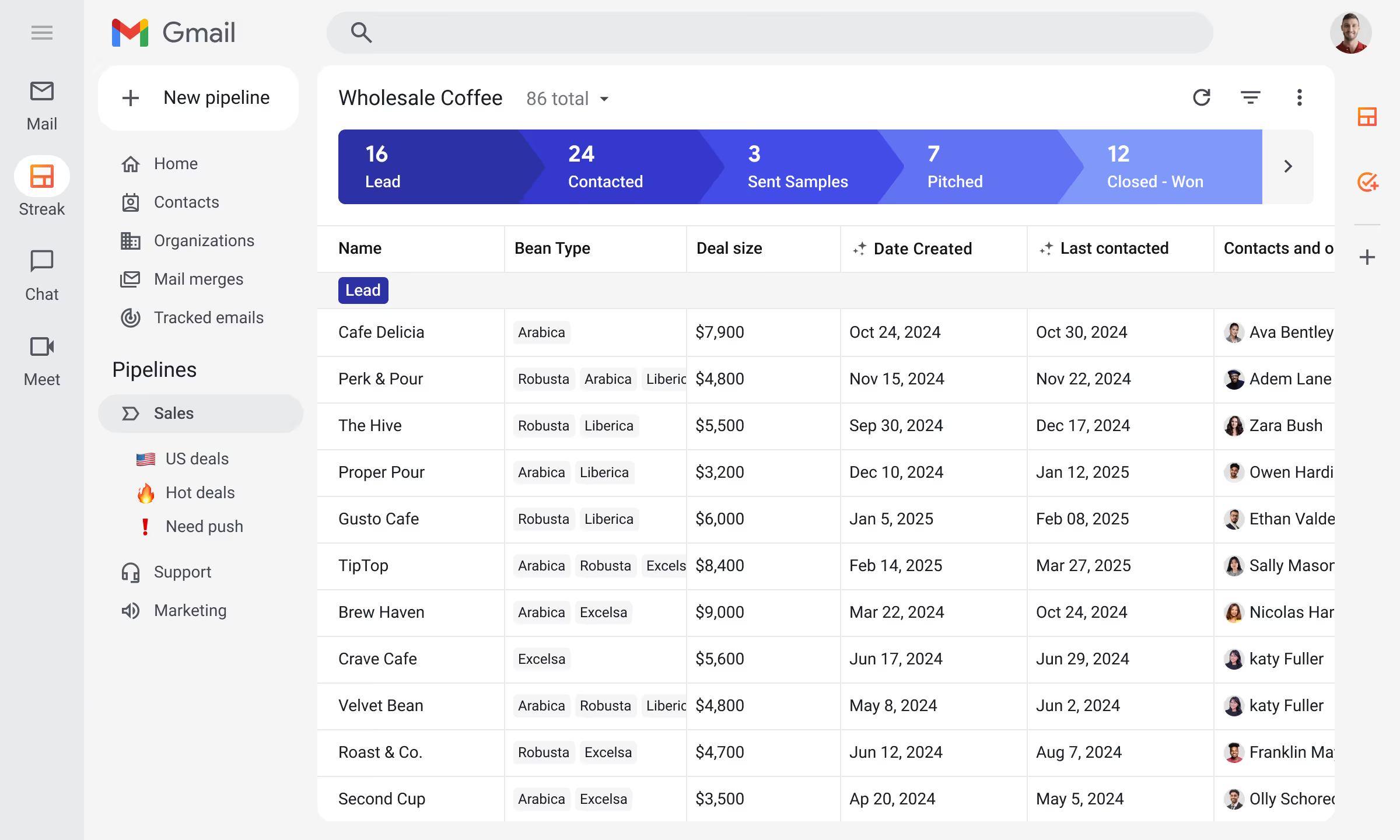
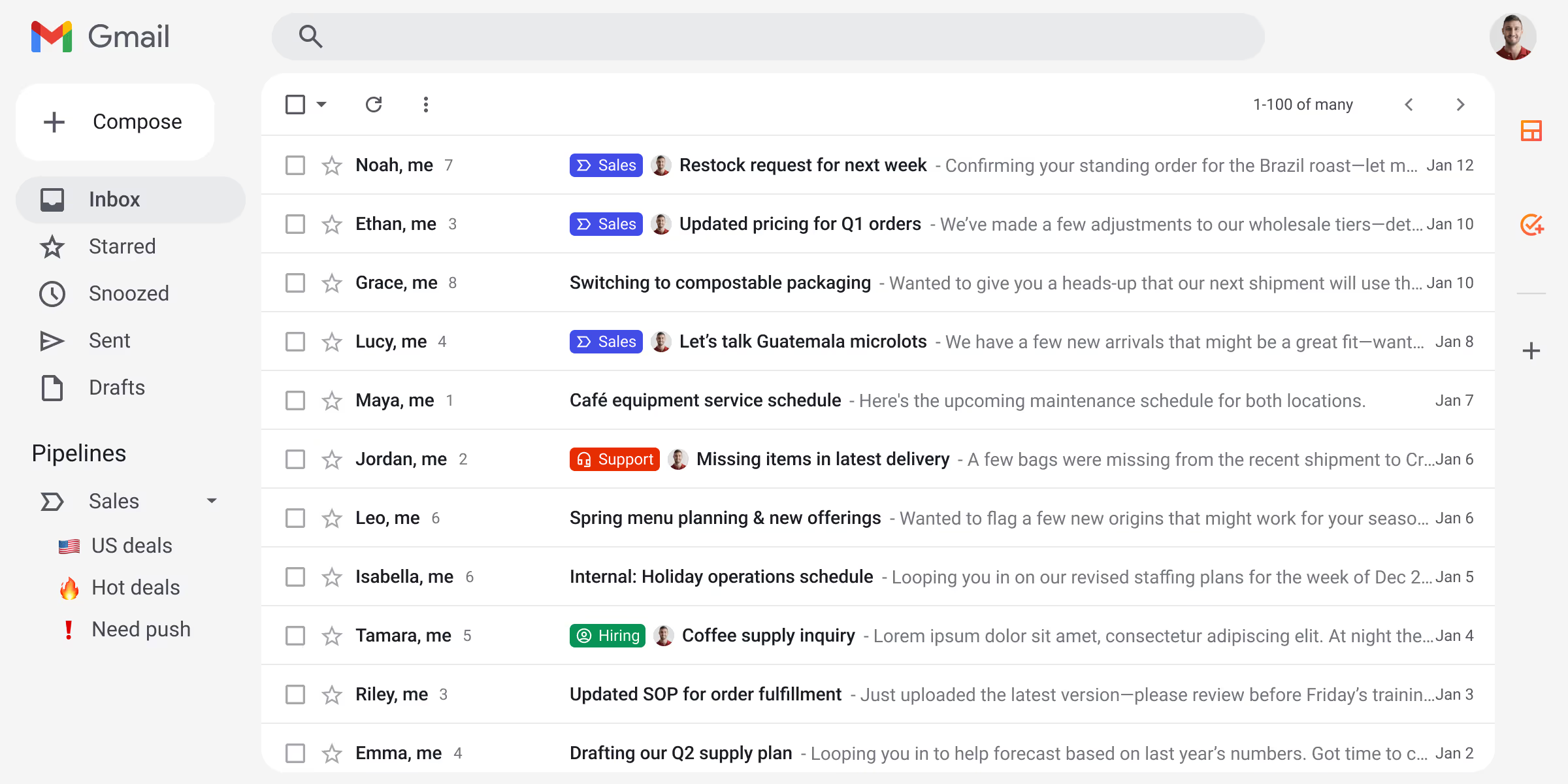
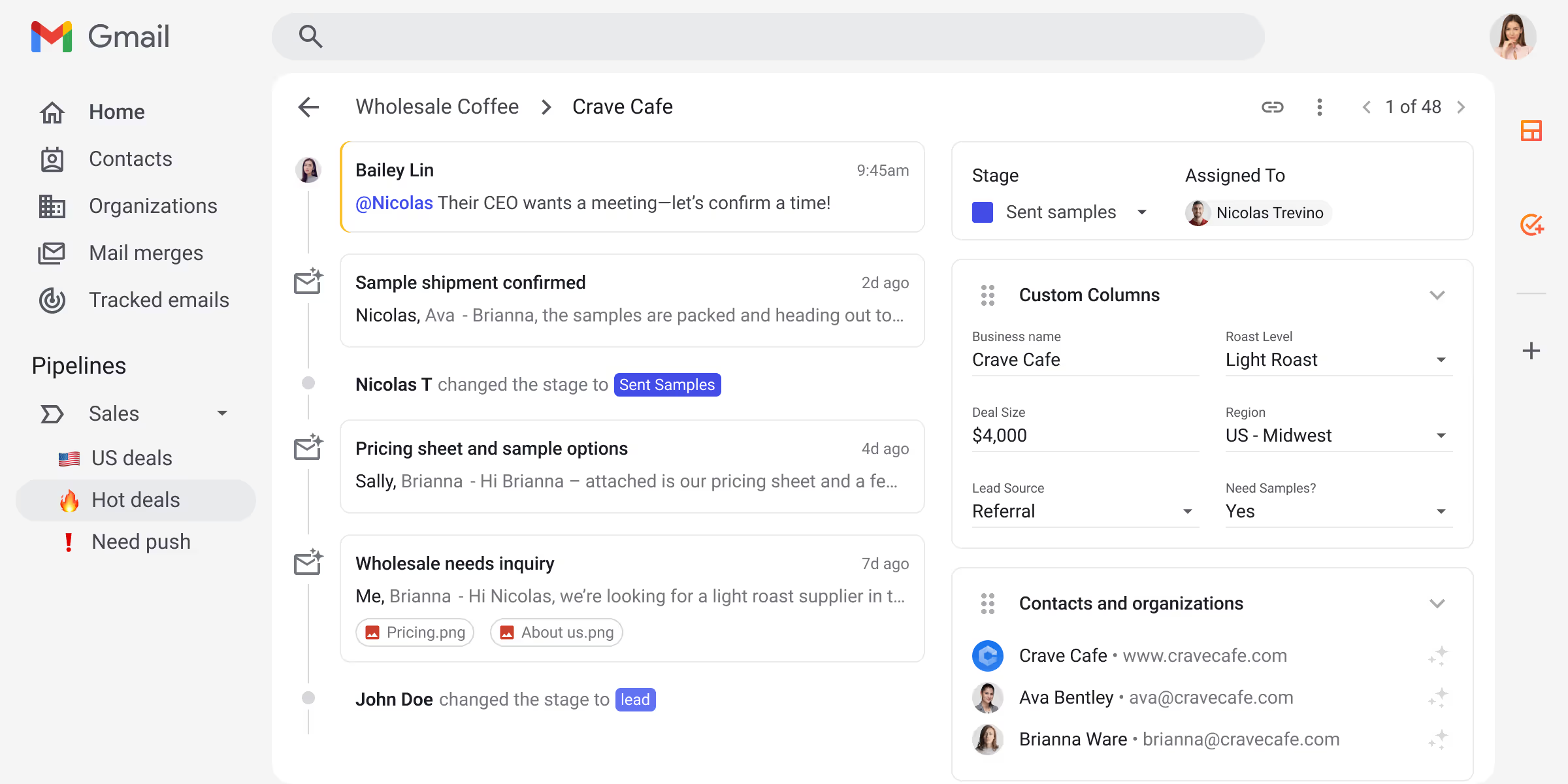







Capture and engage new leads with sales automation so reps can start the day with actual selling, not data entry.
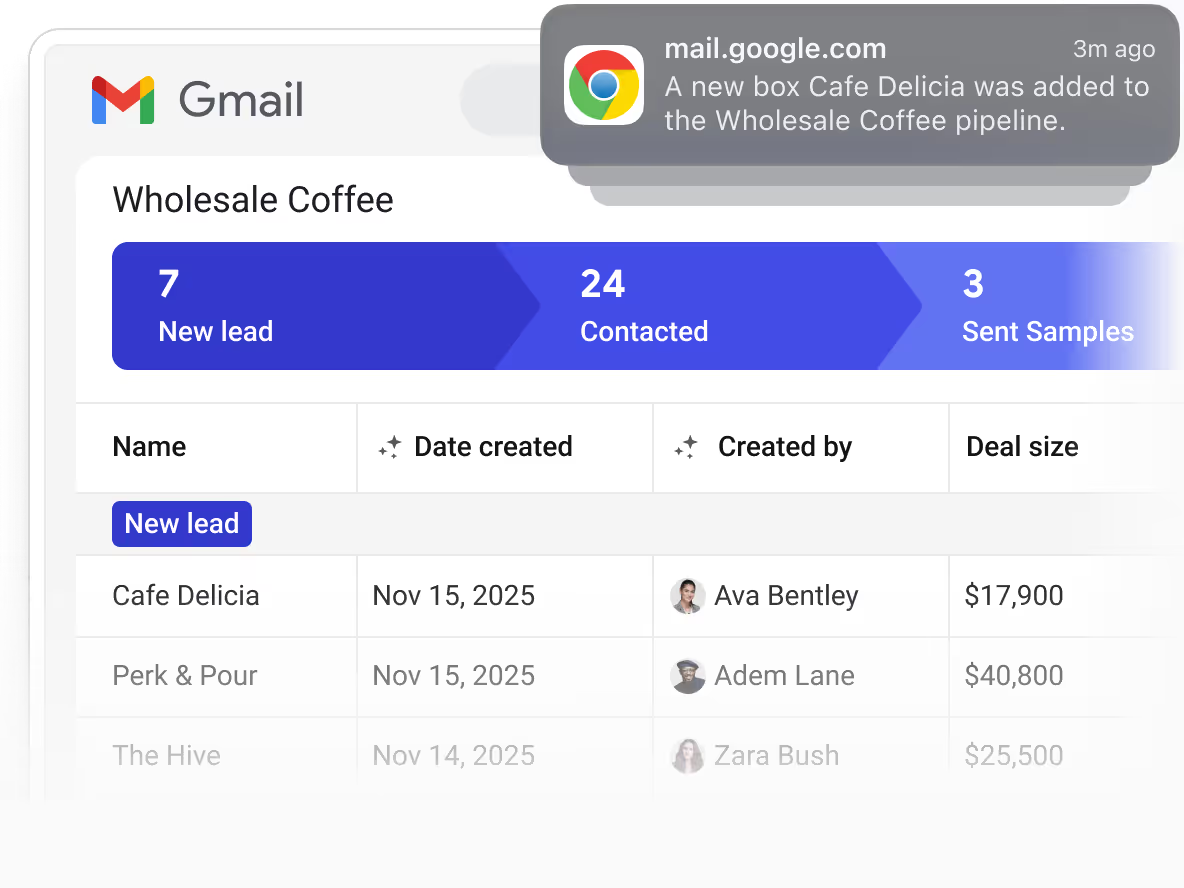
Integrate with forms and schedulers to automate lead capture in your sales pipeline.
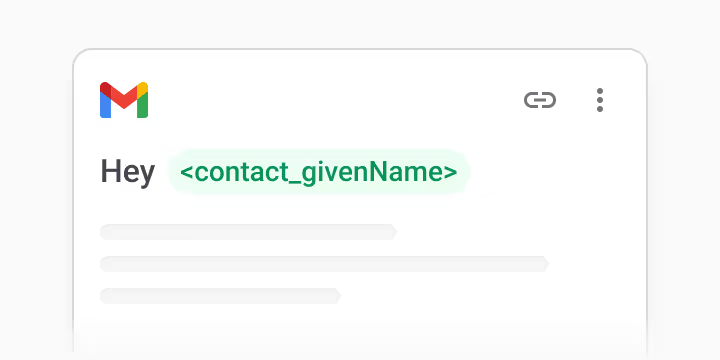
Automate first touches that start conversations and move new leads into the sales process.
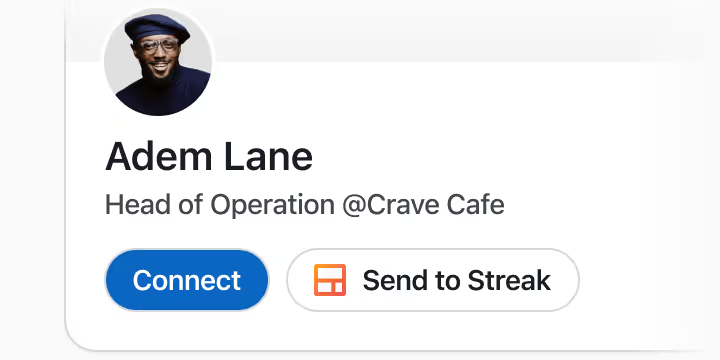
Add prospects to Streak directly from LinkedIn.
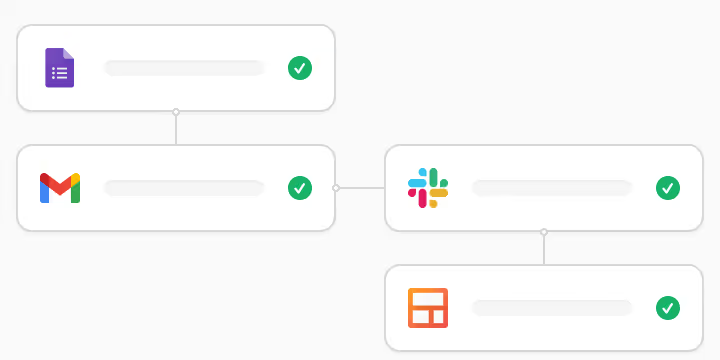
Automatically update stages and details in the sales pipeline when leads engage.

Write custom AI prompts to research and qualify leads before a rep enters the deal.
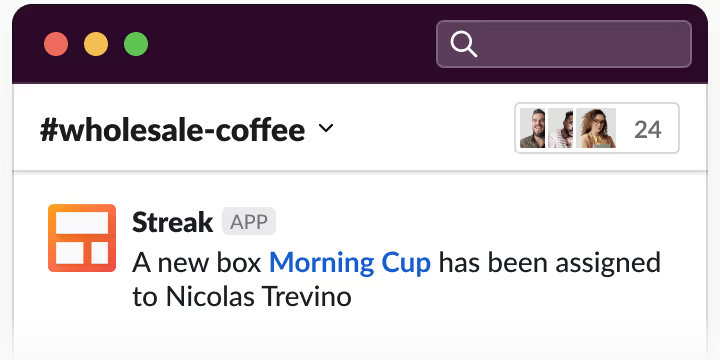
Automatically route qualified opportunities to reps with instant Slack or email alerts.




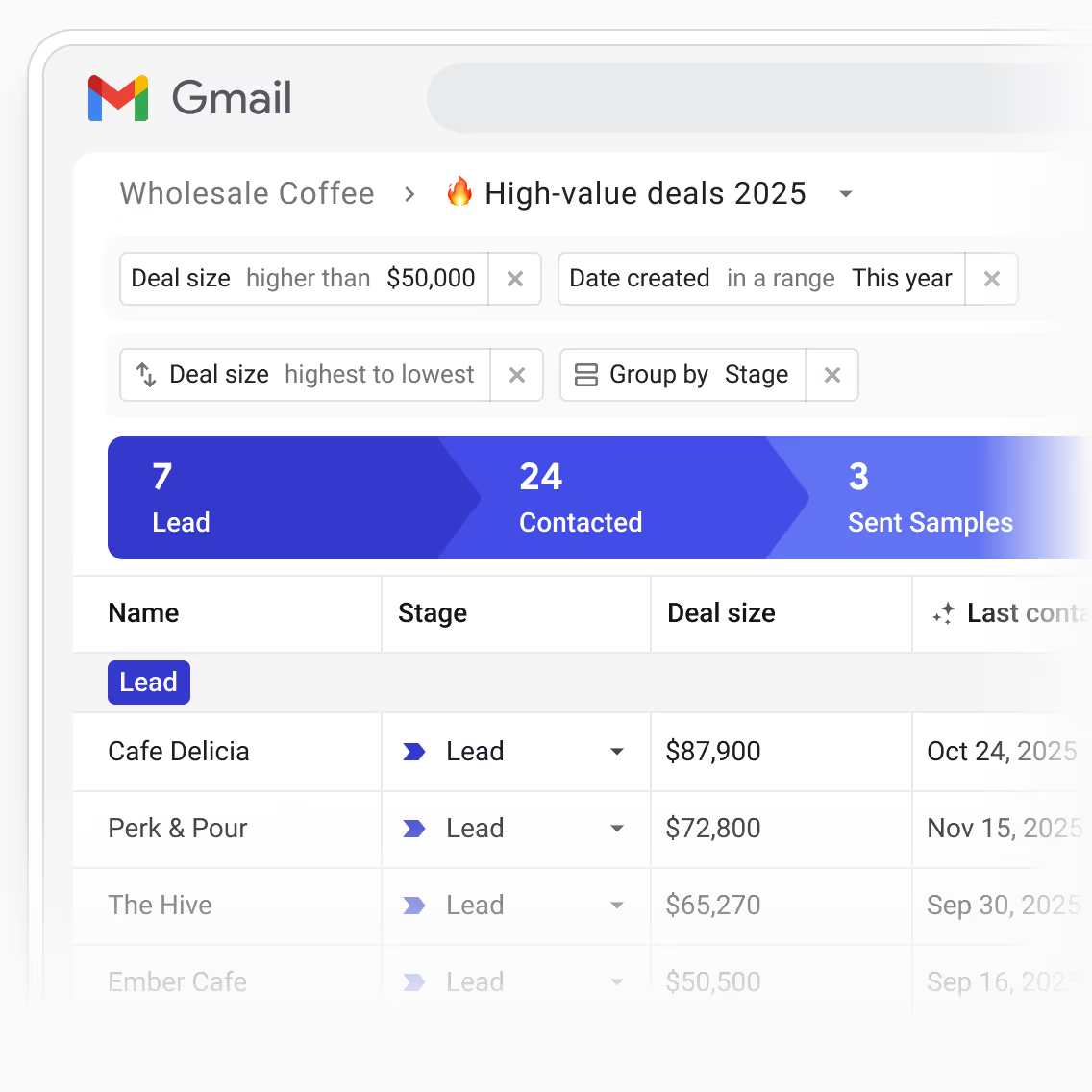

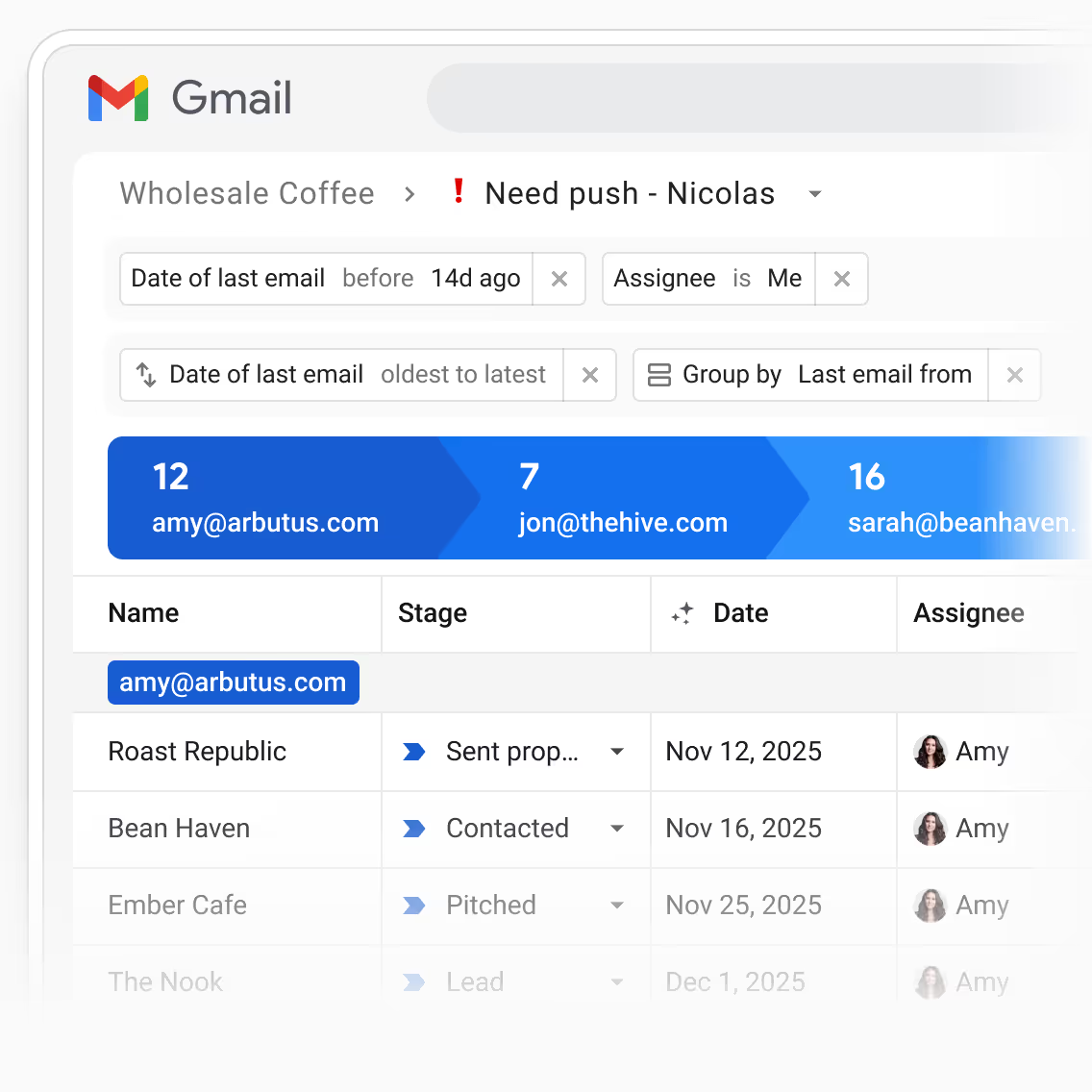
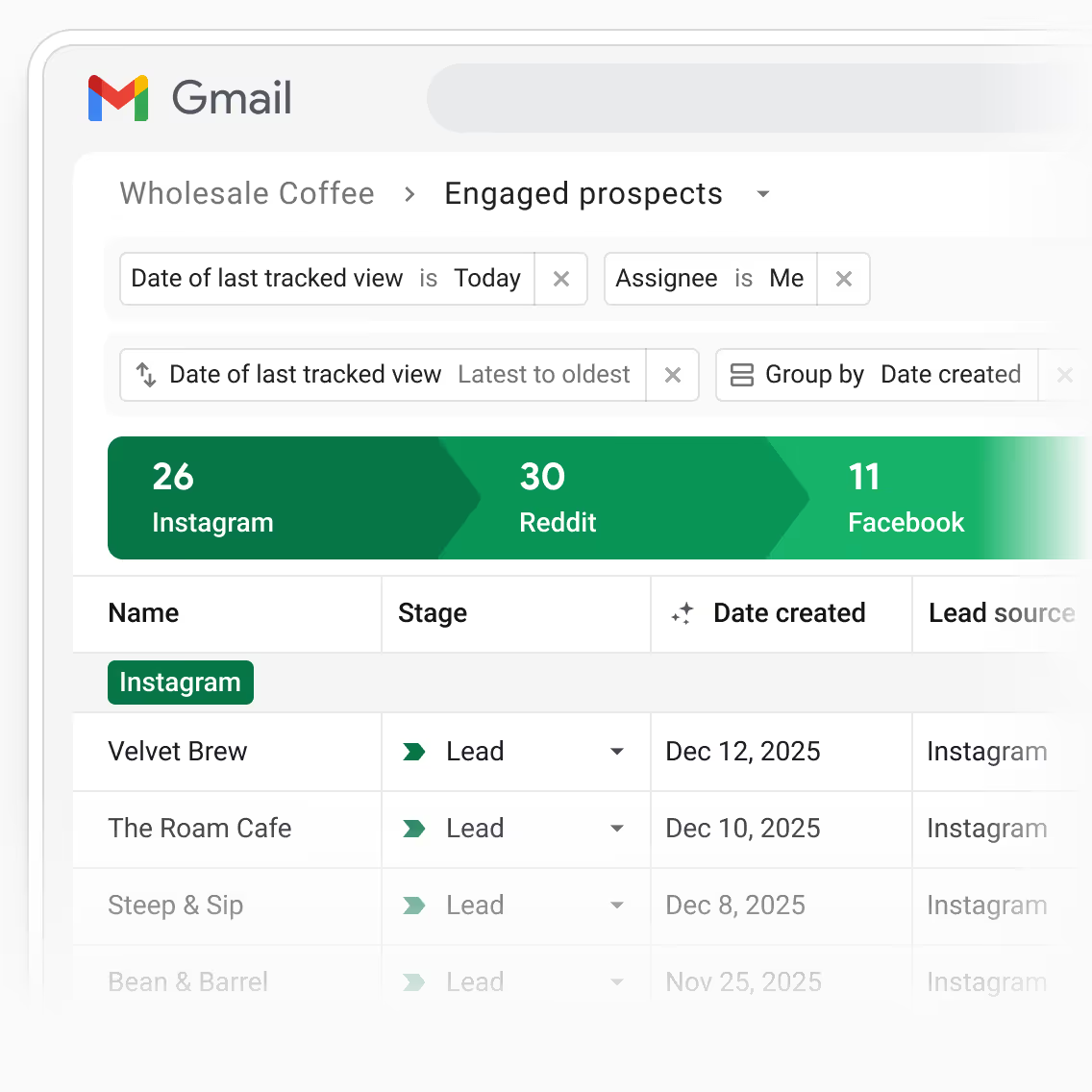

Create custom pipeline views to see hot deals likely to move forward, ones without recent interaction, or within a target segment.

Save your favorite filters, sorts, and groups as reusable views you can return to anytime.

Track follow-up that moves the deal forward like “Send proposal” or “Confirm next meeting,” and sync tasks to Google Calendar.

Ask questions in natural language to instantly find the latest buyer updates, meeting notes, objections, or next actions in the opportunity.
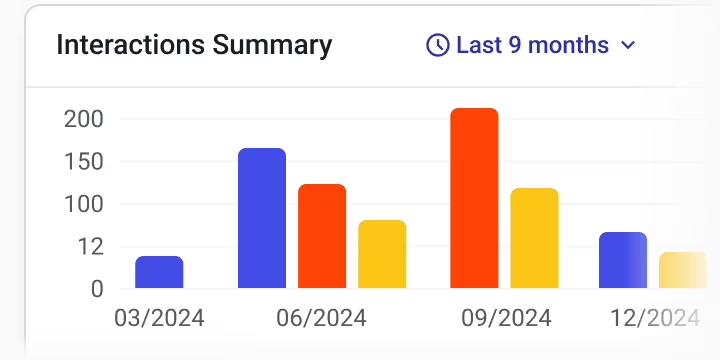
Create dashboards that visualize stage conversion rates, team performance, and pipeline health.

Generate AI summaries that outline decision-maker involvement, pricing conversations, objections, and next steps to move the opportunity forward.
Transform Gmail into a sales outreach tool with tracked mass emails and templates built right into each rep’s inbox.
Send emails at scale to entire segments—warm leads, post-demo prospects, or stalled deals—using variables to personalize for each contact.
Email tracking tools show when and how many times emails have been viewed and links have been clicked for real-time engagement metrics.
Create shareable email templates for common sales questions like pricing details, support contacts, or team handoffs.
Streak tracks all emails, updates, files, and interactions in a single timeline, enabling smooth handoffs and clear team alignment.
Automatically log emails in each deal to provide context, avoid awkward double emails, and make handoffs smoother.
A single timeline of all team activity gives reps and managers complete context at a glance.
Take notes and use AI-generated agendas to focus conversations on qualification, next steps, and blockers.
Connect with Google Drive or upload documents to keep quotes, contracts, and handoff instructions attached to each deal.

Shared workspaces and collaboration tools keep sales reps aligned on next steps, so nothing gets lost in long Slack or email threads and every opportunity stays on track.
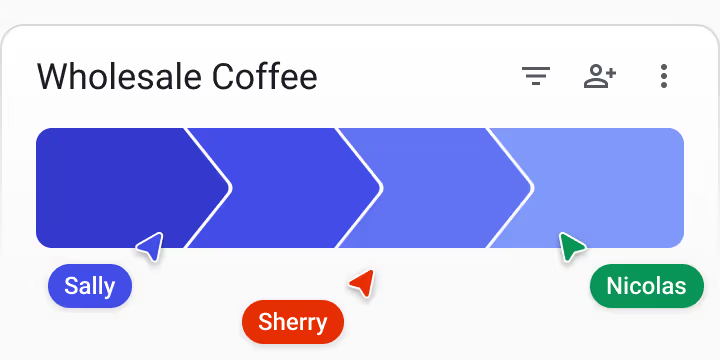
Work together in shared pipelines so your whole team stays aligned on every deal.
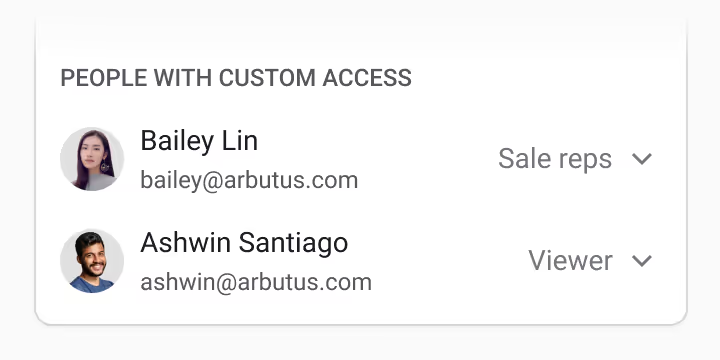
Control who can view or edit each pipeline or opportunity as the team grows.
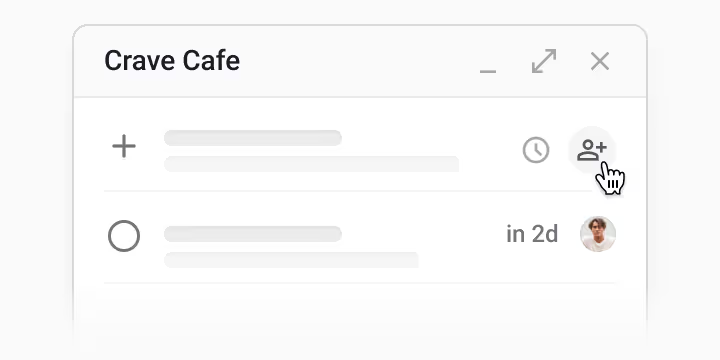
Hand off follow-ups or next steps by assigning tasks directly in the pipeline.
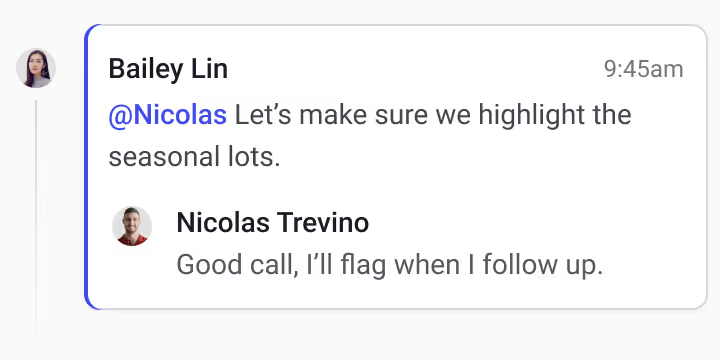
Use @ mentions in comments to loop in the right people and keep decisions tied to the opportunity.
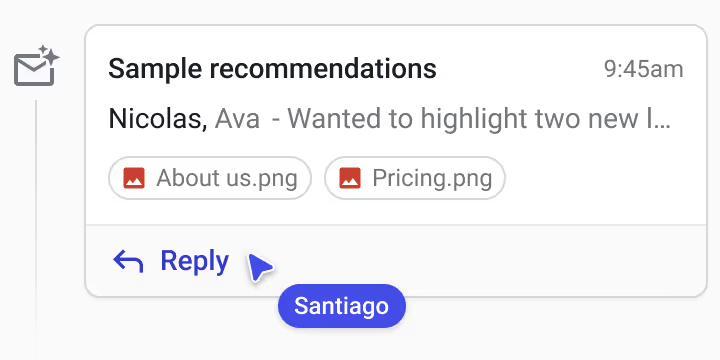
Jump into threads—even without being cc’d—and pick up the conversation naturally.

Get notified if a teammate already contacted the lead before hitting send.
Get personalized onboarding and hands-on training from Streak experts to get you off to a strong start.
Hands-on custom CRM setup for advanced automations and highly-customized workflows.
Describe your workflow in plain language and Streak instantly builds a fully customized pipeline for you.
Access guided tutorials and step-by-step lessons to learn Streak at your own pace.
Join weekly ongoing live classes to learn best practices, ask questions, and stay sharp on Streak features.
Browse clear articles covering everything you need to know to use Streak effectively.
I credit Streak with growing my wholesale business 100%. I was chipping away at trying to get my products into new shops and Streak opened up an automation window that I didn't know existed! It has been easy to implement and grow my business with!







Been using Streak for almost 10 years across 3 companies! It's a great CRM for my sales team, but also myself as a tool to help me with fundraising and keeping track of partners. Can't beat how integrated it is into my Gmail workflow!
I use Streak to setup pipelines for managing hundreds of contacts across different functions such as sales, affiliate partnerships, vendors, and more. The contact management aspect is highly customizable to capture as much info as needed and the paid plans scale to fit my growing needs.
Streak is a great product. I have used the software as a sales tool for my sales pipeline and then after being promoted I continued to use Streak as a Business Development Manager. With Streak I can keep track of all my communication, notes, and contacts very easily all in one place.
I have been using Streak since 2018, and I am absolutely satisfied with it. The CRM has all the necessary features, and the best part is that I don't have to leave my Gmail account to use it. As a manager, Streak has been invaluable for me to track leads and prevent anything from slipping through the cracks. The new AI launch has been a game-changer, especially the autofill feature. My team doesn't have to worry about filling out all the boxes manually anymore, making everything so much easier.
I actually love Streak. It is so easy to use and it makes working actually fun. So easy to keep everything well organized and so easy to look back to find it all. I highly recommend.
Streak is truly a collaborative tool that enables our team to work together to manage workflows, sales leads, and information storage.
I am very happy. I use it every day, I have several Pipelines that help me see where each client is, or if I need to follow up to try to push the sale.
I use it and love it.
I try to funnel all our sales through email, so it’s a good fit for the company. Plugs right into Gmail.
I use it to make sure I follow up with clients/leads when an email conversation hangs. I use the ‘snippets’ feature ALL DAY, and I use the scheduled sending all the time, too.
I tried a few different CRM programs, but they all felt cumbersome and difficult to get used to. I love that Streak works with a system I'm already comfortable with. I have found it to be super intuitive and easy to use, which is to say, I didn't have to spend a lot of time figuring out how to use it.
Works really well inside of Gmail and also has it's own mobile app which is a huge bonus (similar apps work only in desktop web interface). Have had great results from the mail merge followup function.
You need Streak for sales CRM if you’re using google suite!! Seamless interface right inside your gmail with the CRM tools. When a customer emails you, you automatically see everything about that account from your email. Your teammates can see all interactions as well. It's totally customizable and very easy to create your own tools specific to what you want to know and track about customers and the sales process / cycle.
We've been using Streak for many years and love the flexibility as it fits perfectly with our workflow. It's the core tool for keeping track of potential deals, active accounts, sales forecasting, and even serves as a great micro project management tool.
I use Streak to setup pipelines for managing hundreds of contacts across different functions such as sales, affiliate partnerships, vendors, and more. The contact management aspect is highly customizable to capture as much info as needed and the paid plans scale to fit my growing needs.
A flexible CRM that helps you collaborate with your team to manage customer relationships, track sales pipelines, run email campaigns, and integrate with the Google Workspace app.
Very flexible. Streak can be as basic or as detailed as needed. I just need something basic but quickly found I can expand its functionality. Their support pages are easy and clear. Video how tos are short sweet and comprehensive
Streak charges a fee for each user on your team. You can choose to pay the fee monthly or pay for a year up front and save 20%.
Sorry, everyone on your team must be on the same plan
Click the “Contact us” button and we’ll work with you to set up custom reporting, integrations, and other advanced features exclusive to the Enterprise plan. The Enterprise plan is available with annual billing for teams of 10 or more.
If you’re ready to sign up for a paid plan, install Streak, click the “Streak” button on the top right of Gmail and select “Upgrade”
We currently do not offer any different pricing for users who only need view access to Streak data.
Our mail merge limits are based on Google Workspace accounts (name@yourcompany.com). Personal Gmail accounts (name@gmail.com) are limited to 400 emails/day due to Google’s sending limits for Gmail accounts.
When signing up for a paid plan, Streak will ask if you'd like to pay yearly and receive a 20% discount.
We accept Visa, MasterCard, American Express, JCB, Bank wire transfers, Discover and Diners Club. Sorry, we do not accept PayPal.
We offer up to a 20% discount for when you choose annual billing.
Can't find the answer you're looking for? Feel free to chat with our friendly team!


