.webp)
Opening now...


You’ll need to use a desktop browser to set up your Streak account. You can install Streak now and finish setup on desktop later.
To get started with Chrome, install Streak from the Chrome Web Store on your desktop. Share your email and we'll send you the install link directly.
To get started with Safari, install Streak from the Mac App store on your desktop. Share your email and we'll send you the install link directly.
To get started with Edge, install Streak from the Edge Add-ons store on your desktop. Share your email and we'll send you the install link directly.


If you’ve installed Streak and completed onboarding on desktop, you can install the Streak app to access your pipelines on mobile.



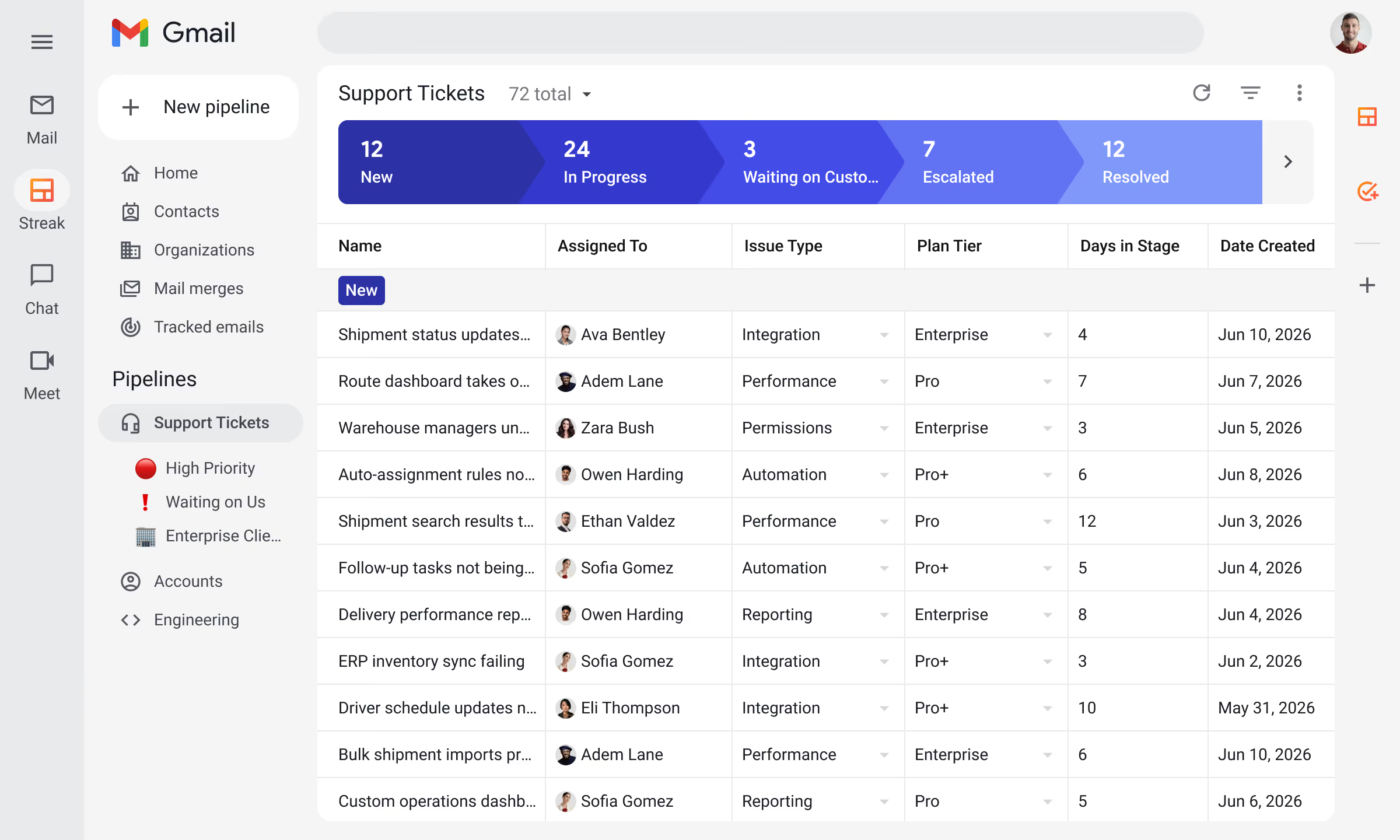







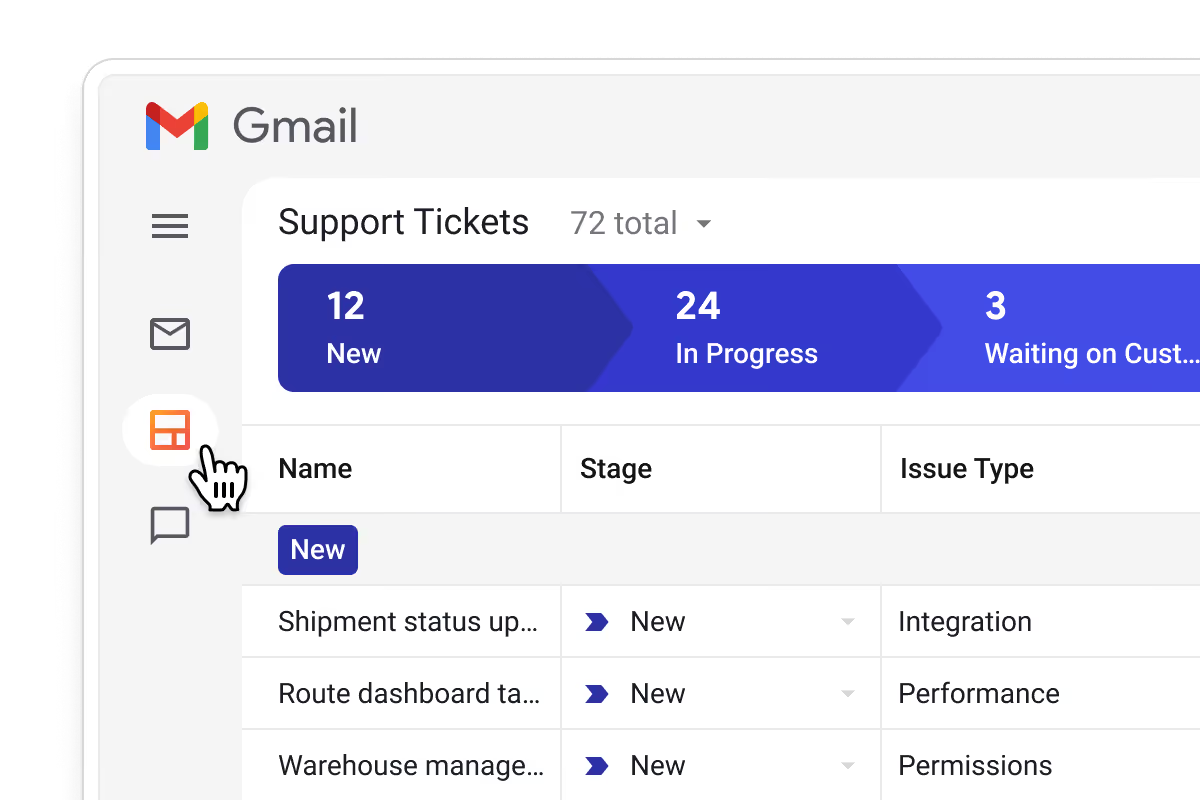
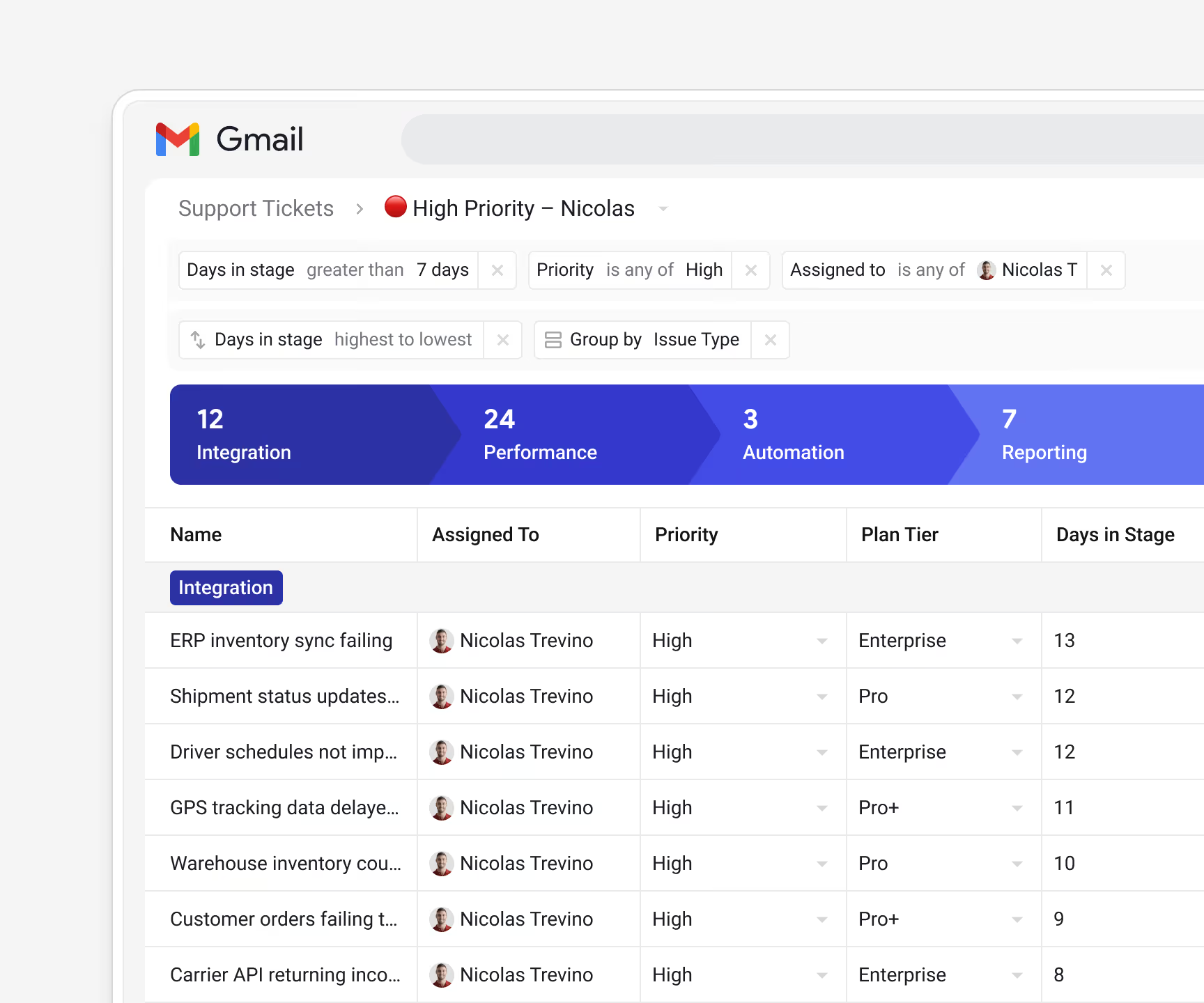
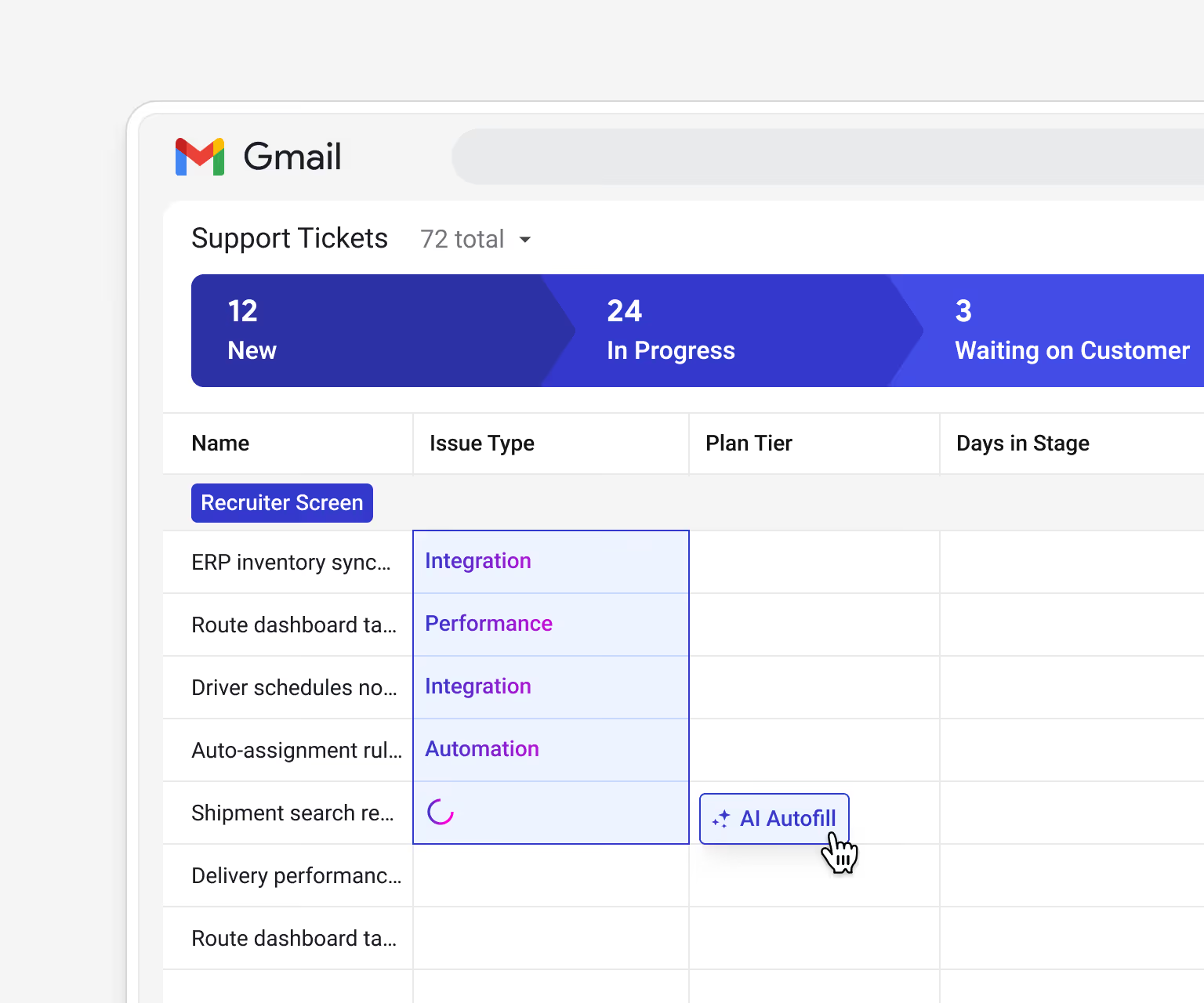
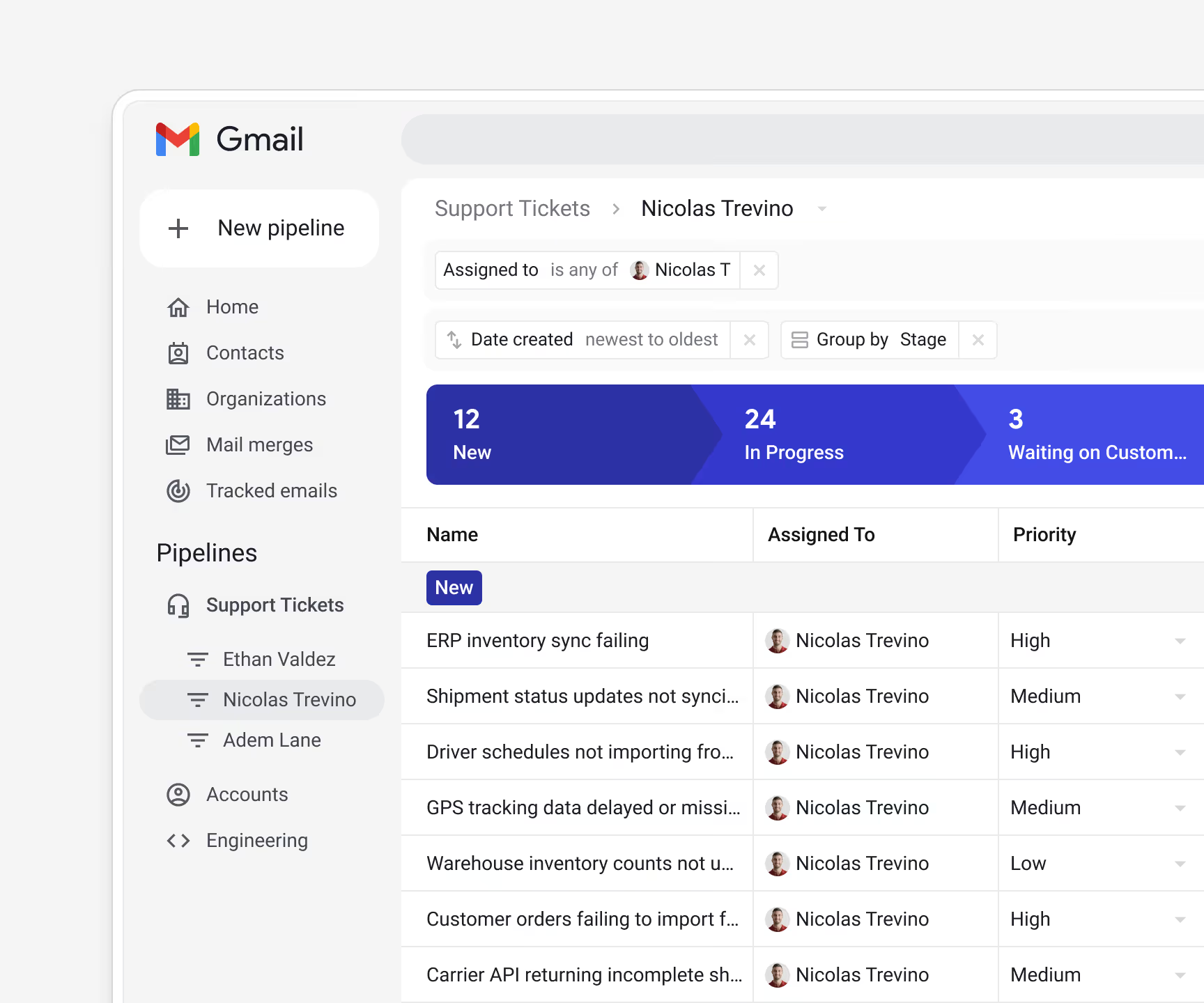
Track every customer issue through clear stages in the inbox your team already works in, with no separate ticketing system to maintain.
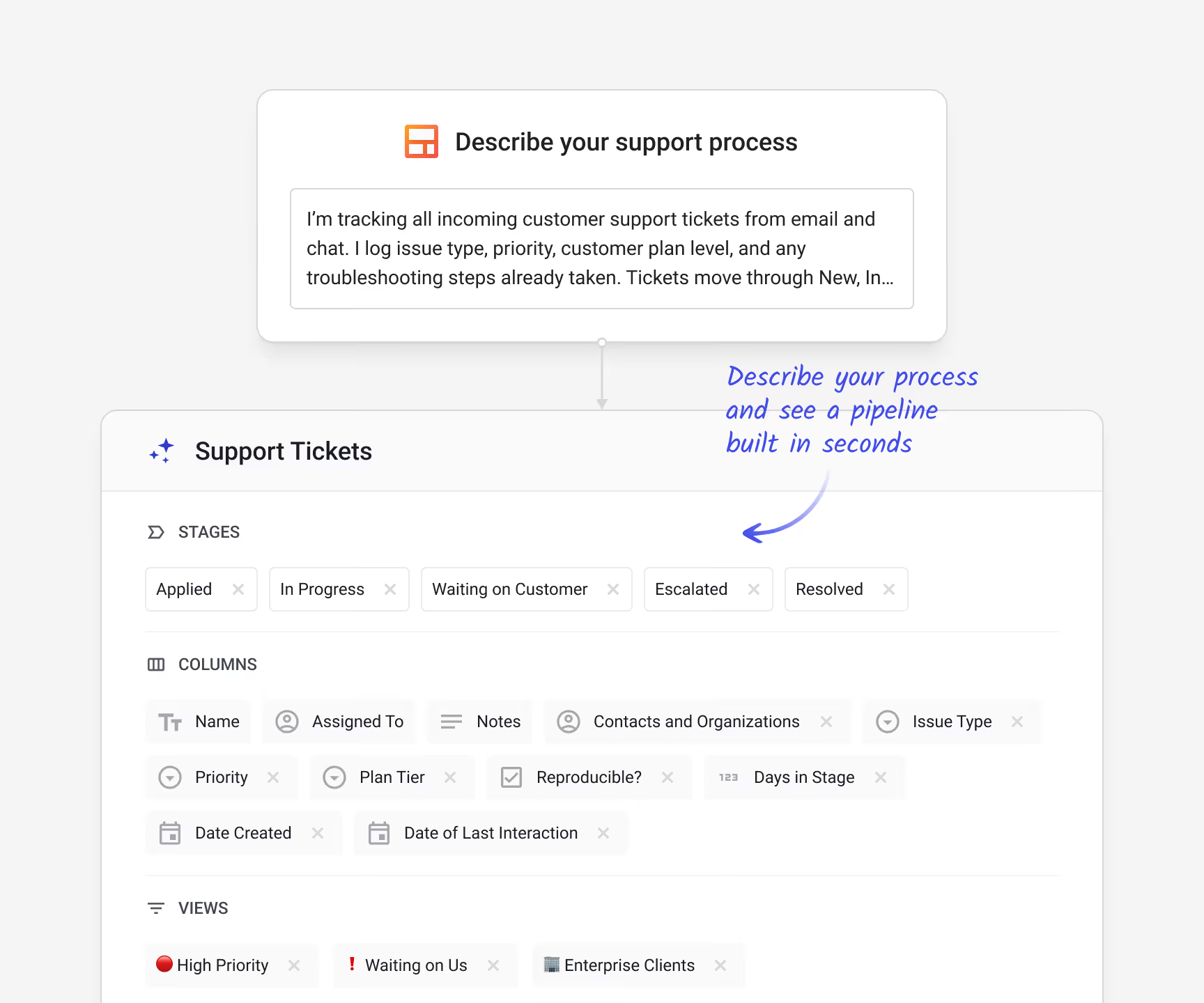
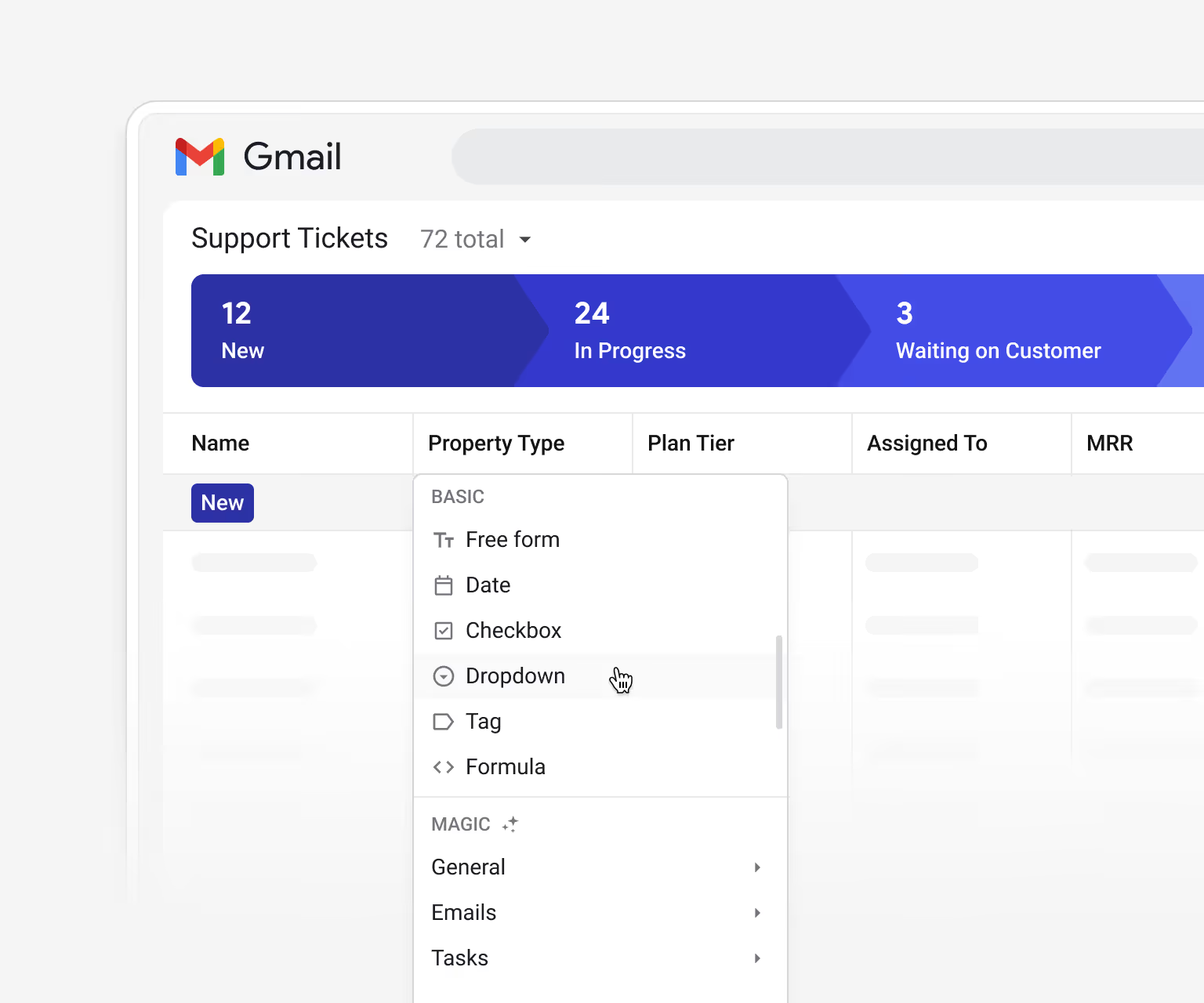
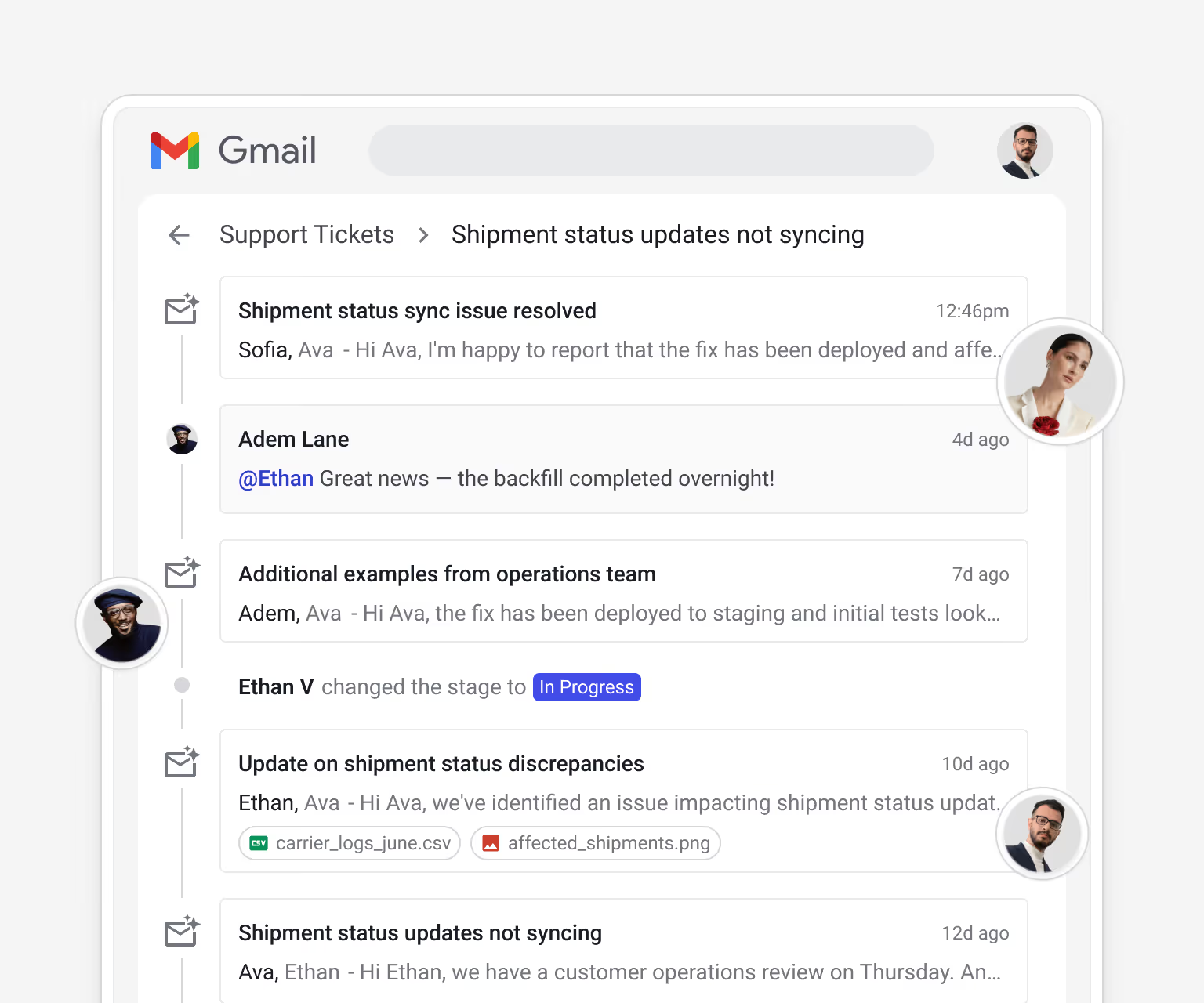
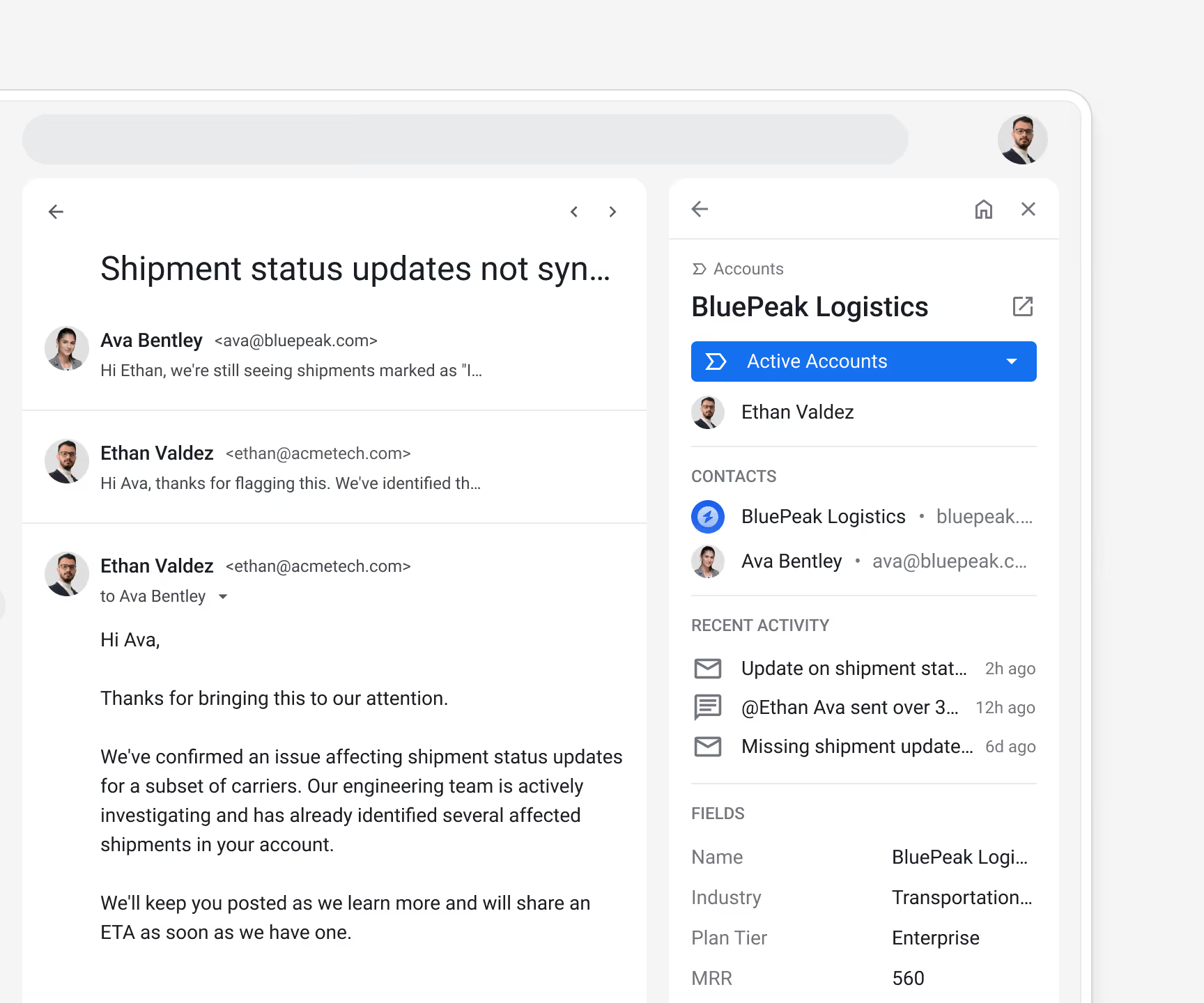
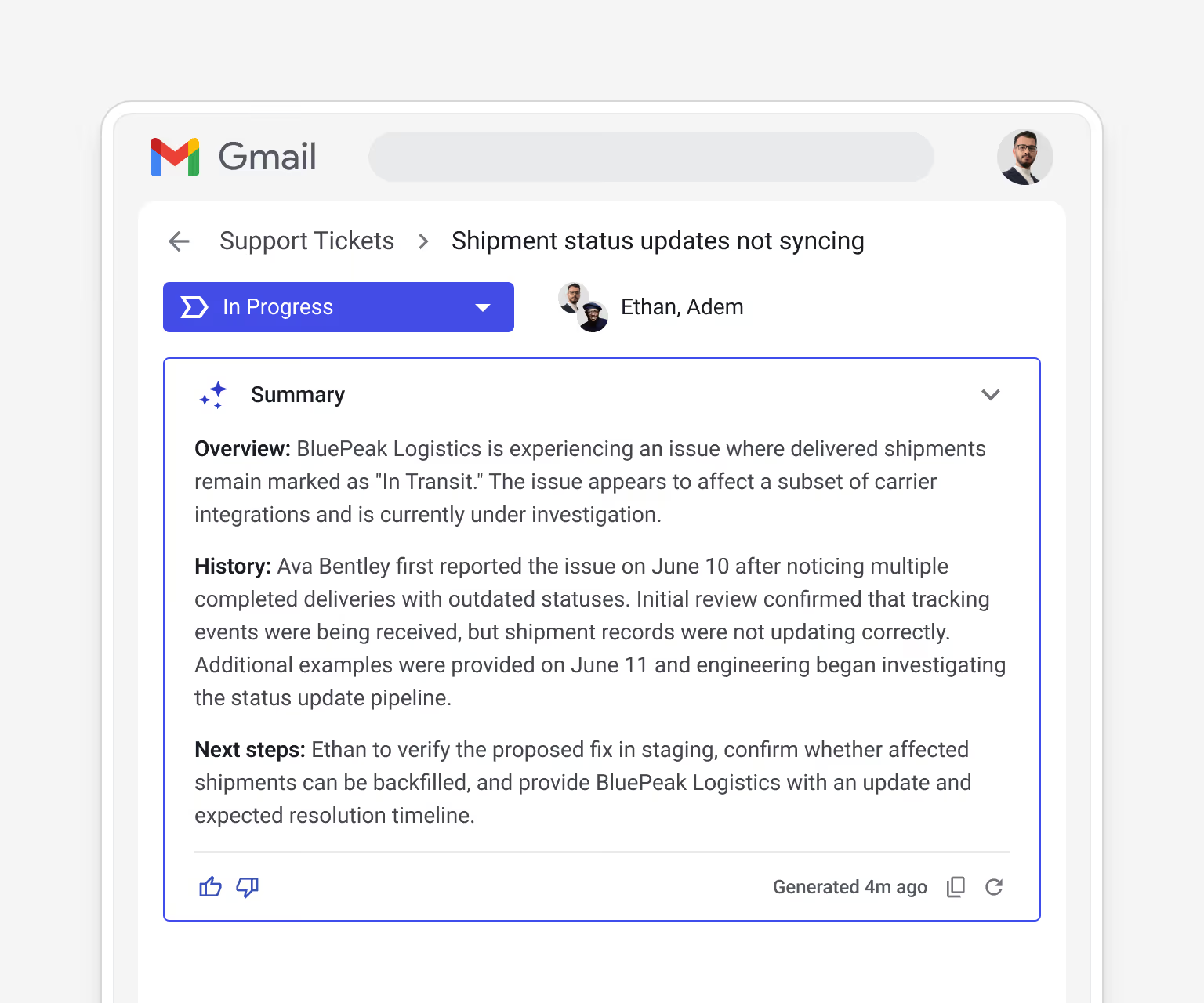
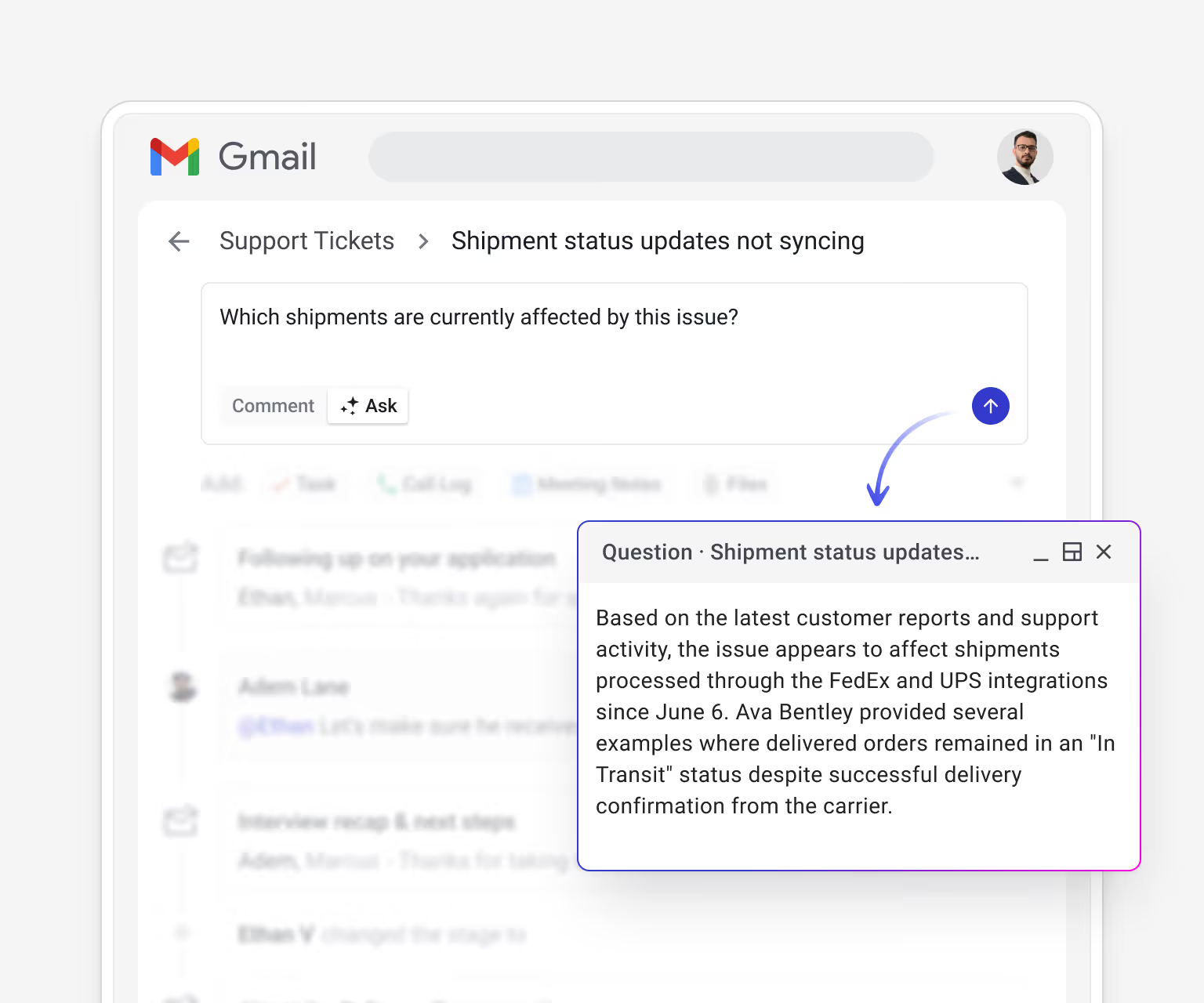
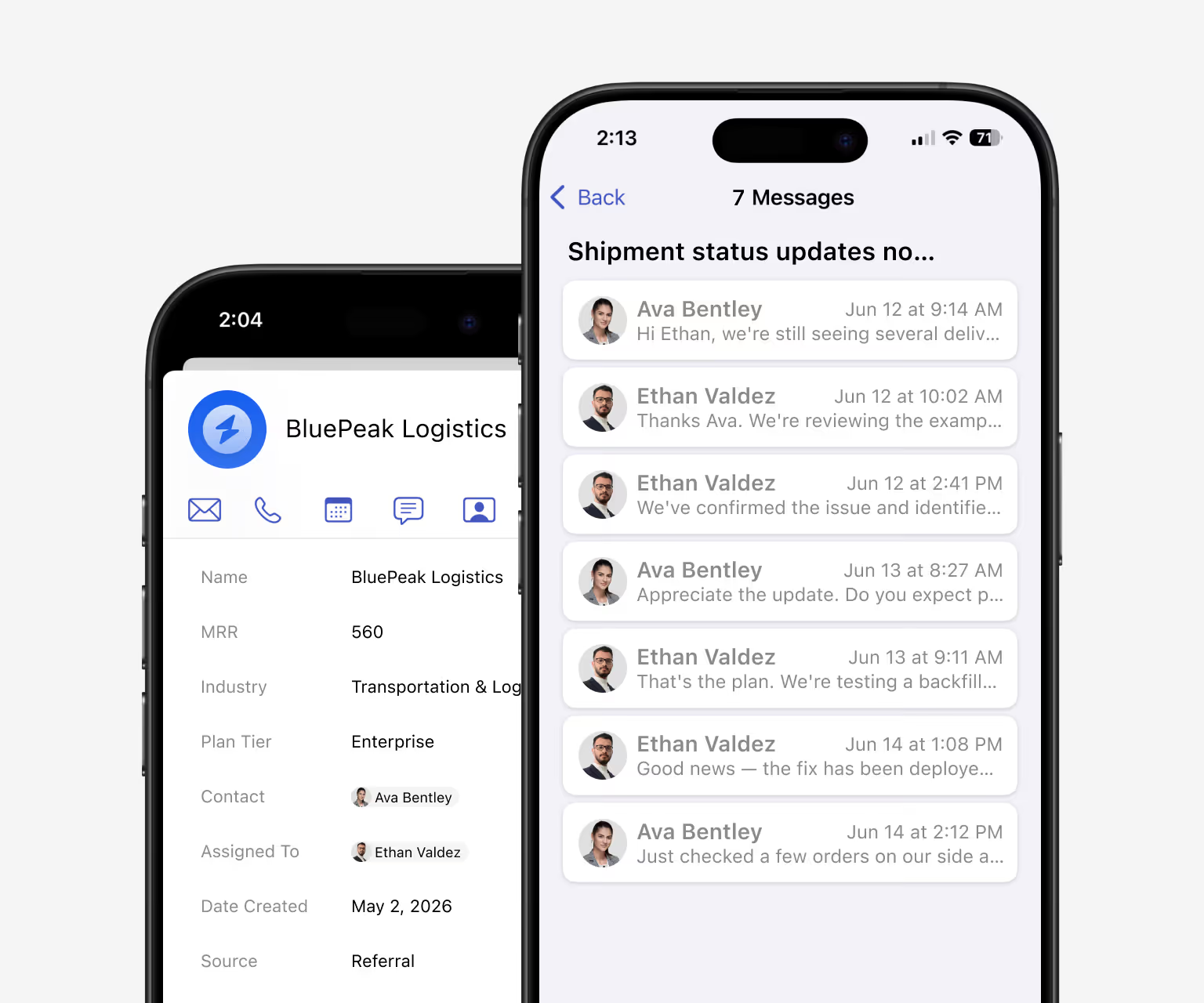
Open a ticket and see the customer's entire history, not just the latest email.
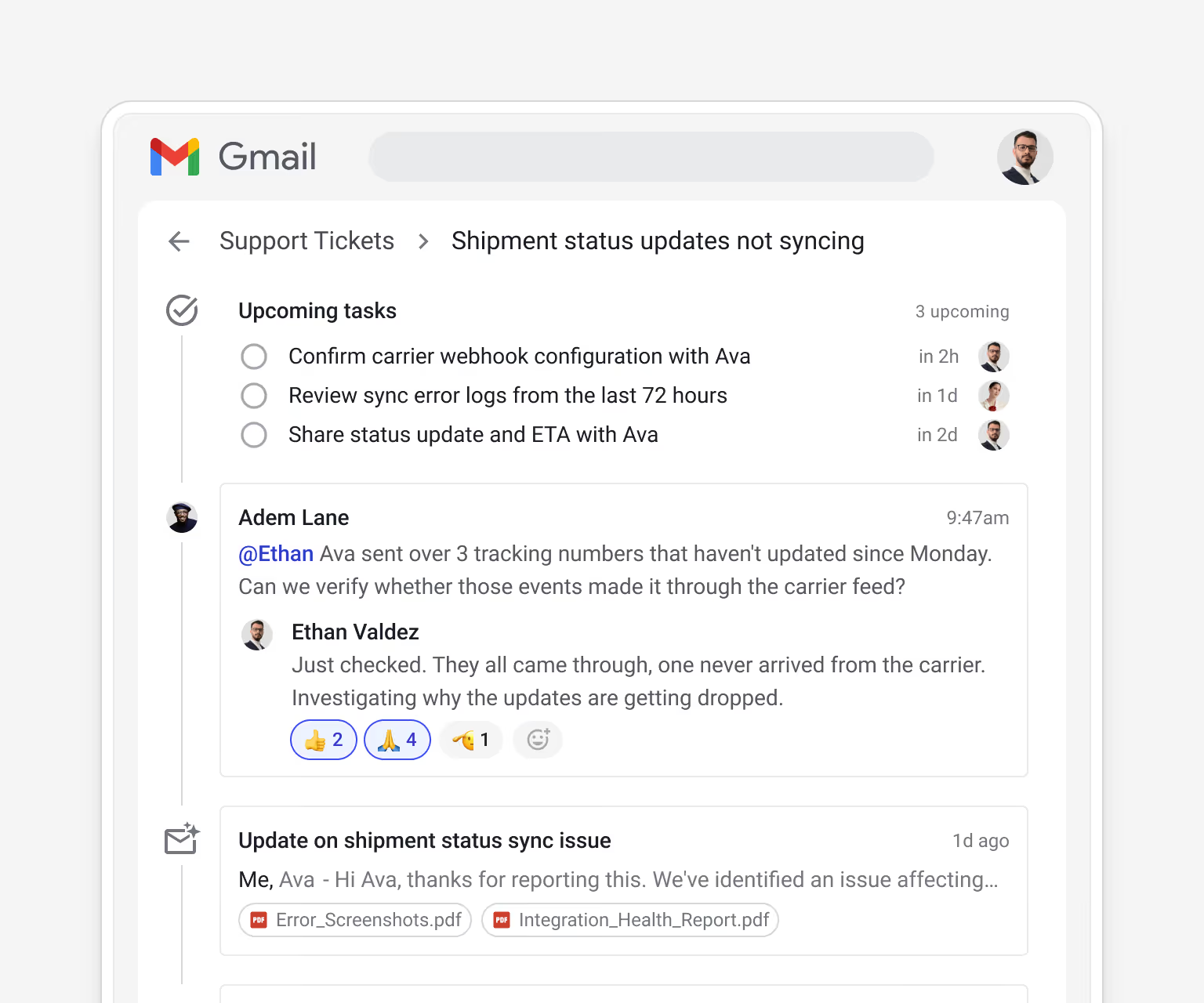
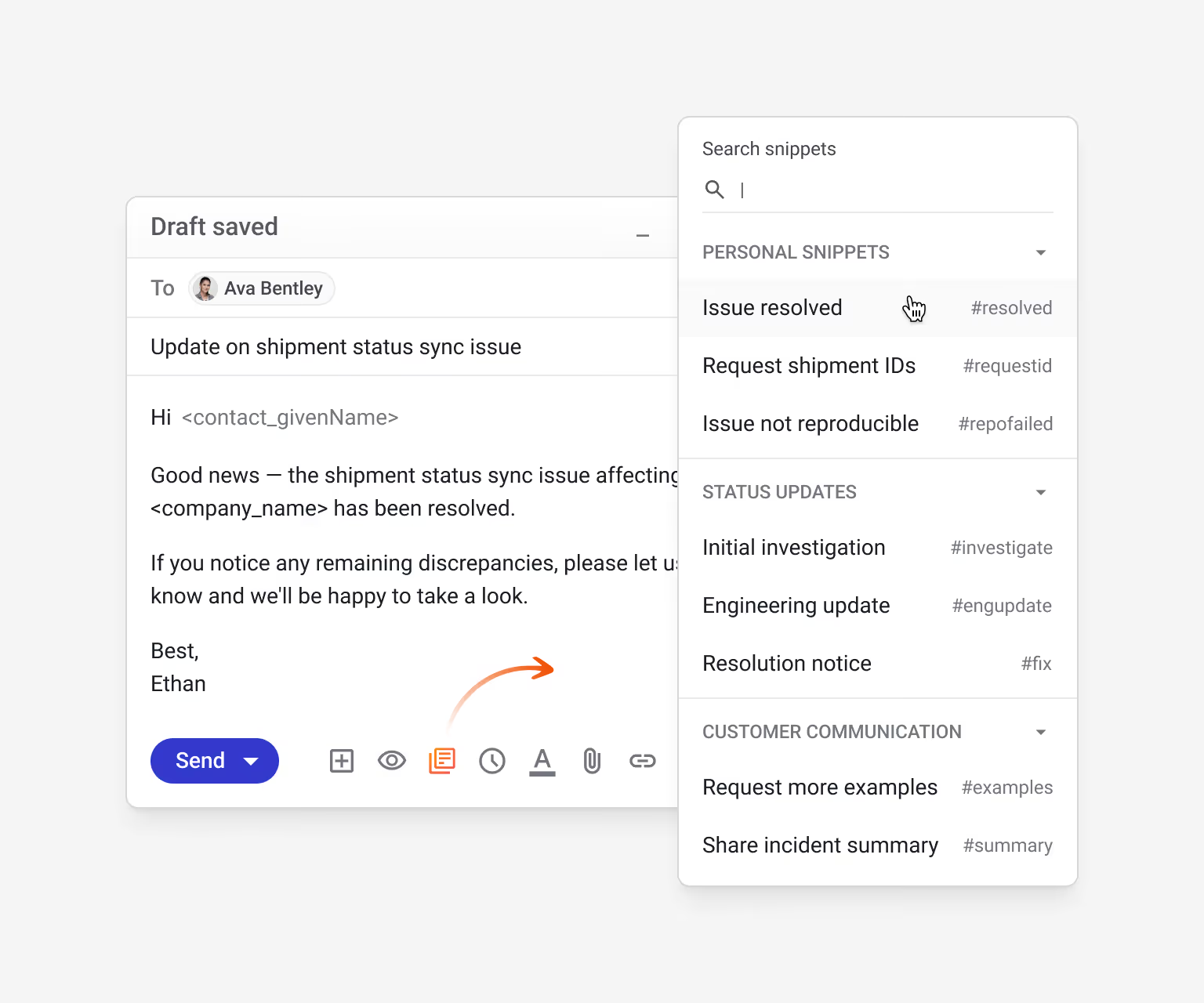
Reuse your team's best responses and let AI handle recaps and triage.
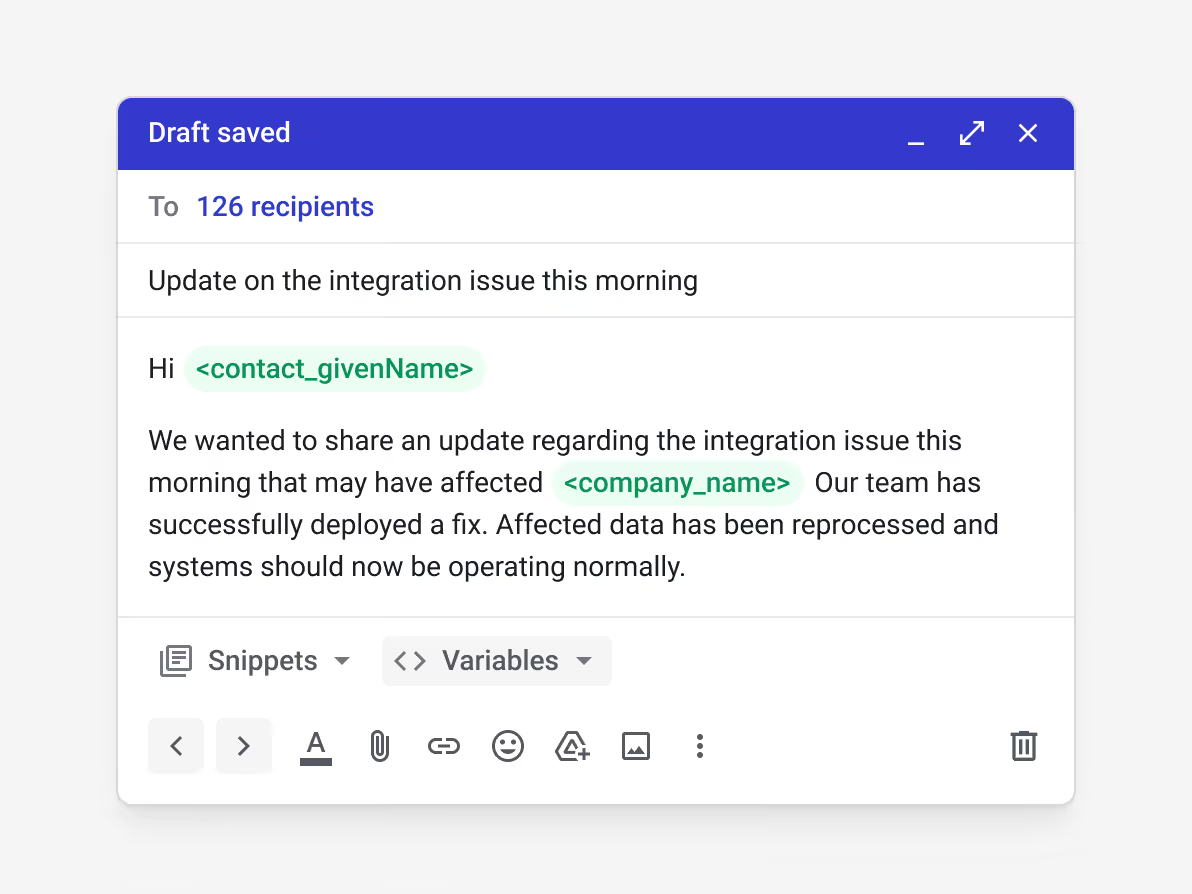
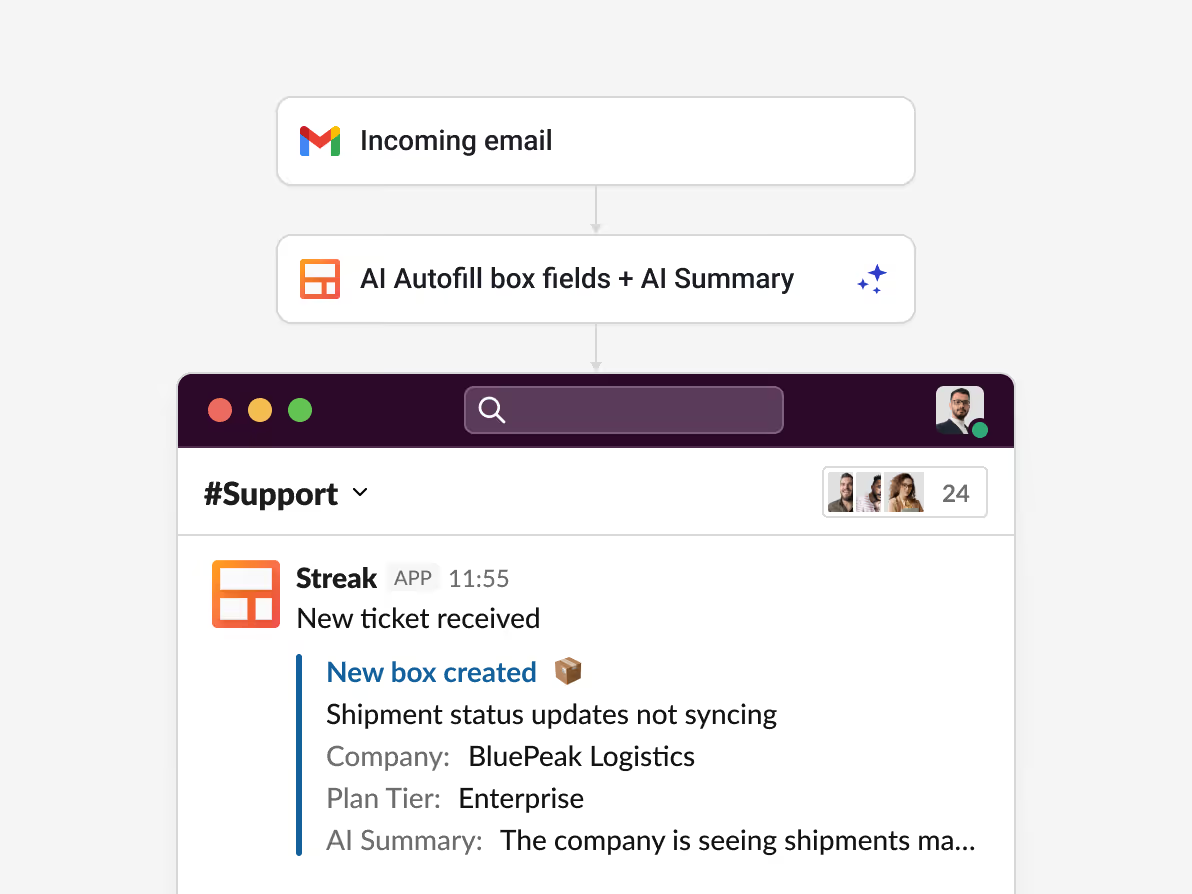
Reach every affected customer at once and route incoming issues automatically.
![Streak automation: "Box changes stage" (In Progress → Waiting on Customer) → "Add task: Send a follow-up email to [contact], due in 1 day" — automatically creating follow-up reminders when a ticket is awaiting customer action](https://cdn.prod.website-files.com/6744e71b115ff83278f43fd3/6a2c93d1bf5037ebaa3f1260_automation-3.avif)
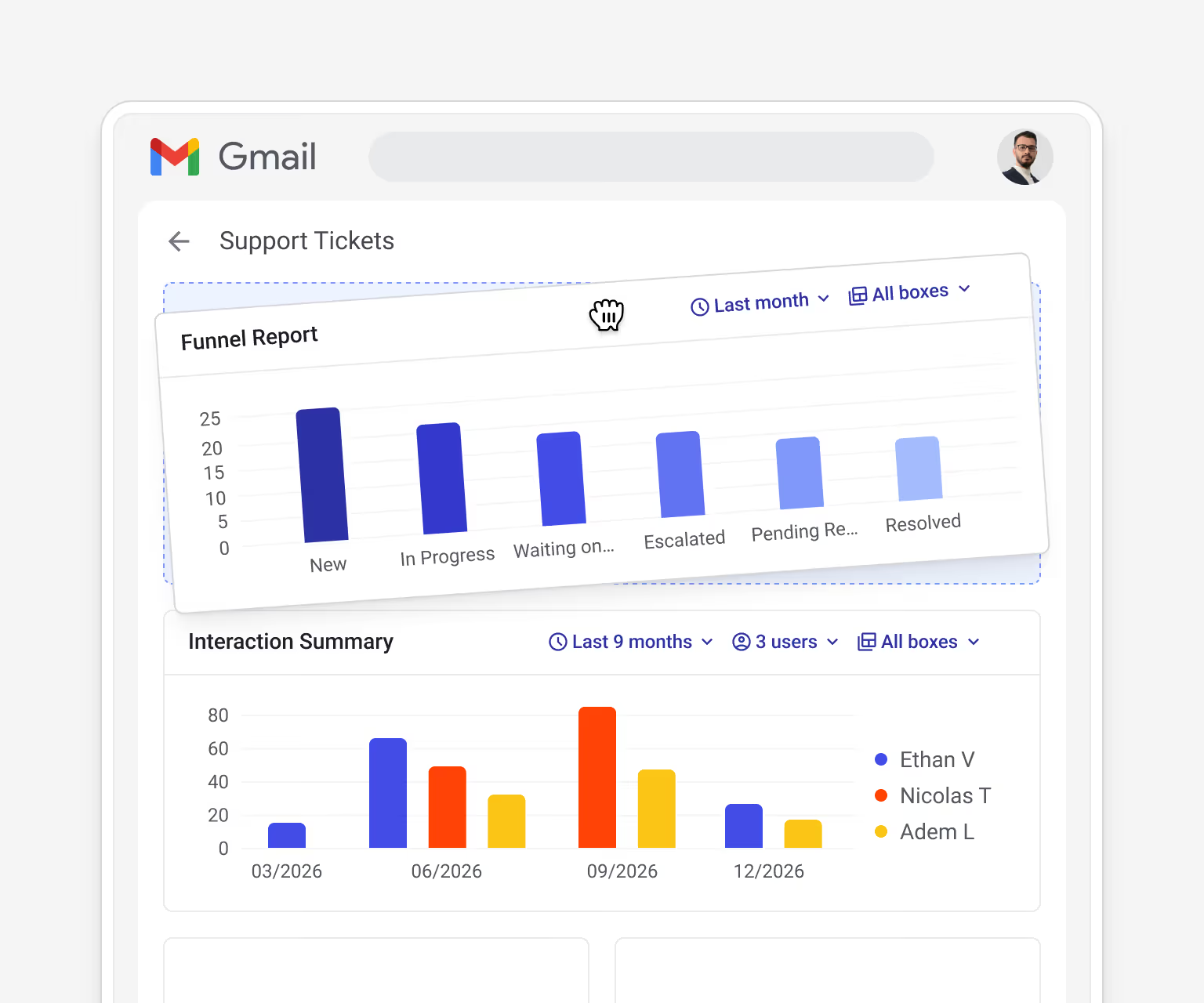
See how your queue is moving and where issues pile up.
A customer support CRM tracks customer issues, history, and team responses in one place. Streak runs inside Gmail, so your team handles support next to the emails customers already send, with no separate tool to learn.
Yes. Streak turns Gmail into a support queue with stages, custom fields, assignment, and shared visibility, so you get ticketing behavior without leaving your inbox.
Streak lives inside Gmail rather than in a separate portal. For teams that already run on Gmail, that means no new system to learn, no context-switching, and support handled right next to the original email.
Yes. Based on your team's permissions, any rep can read the full email history on a customer, including threads from other departments, so handoffs don't lose context.
Streak AI summarizes long threads, answers questions from a ticket's full history, fills fields like issue type and priority, and can route new issues automatically as they arrive.
Try Streak free — installs into Gmail in seconds.