


.webp)
Opening now...


You’ll need to use a desktop browser to set up your Streak account. You can install Streak now and finish setup on desktop later.
To get started with Chrome, install Streak from the Chrome Web Store on your desktop. Share your email and we'll send you the install link directly.
To get started with Safari, install Streak from the Mac App store on your desktop. Share your email and we'll send you the install link directly.
To get started with Edge, install Streak from the Edge Add-ons store on your desktop. Share your email and we'll send you the install link directly.


If you’ve installed Streak and completed onboarding on desktop, you can install the Streak app to access your pipelines on mobile.


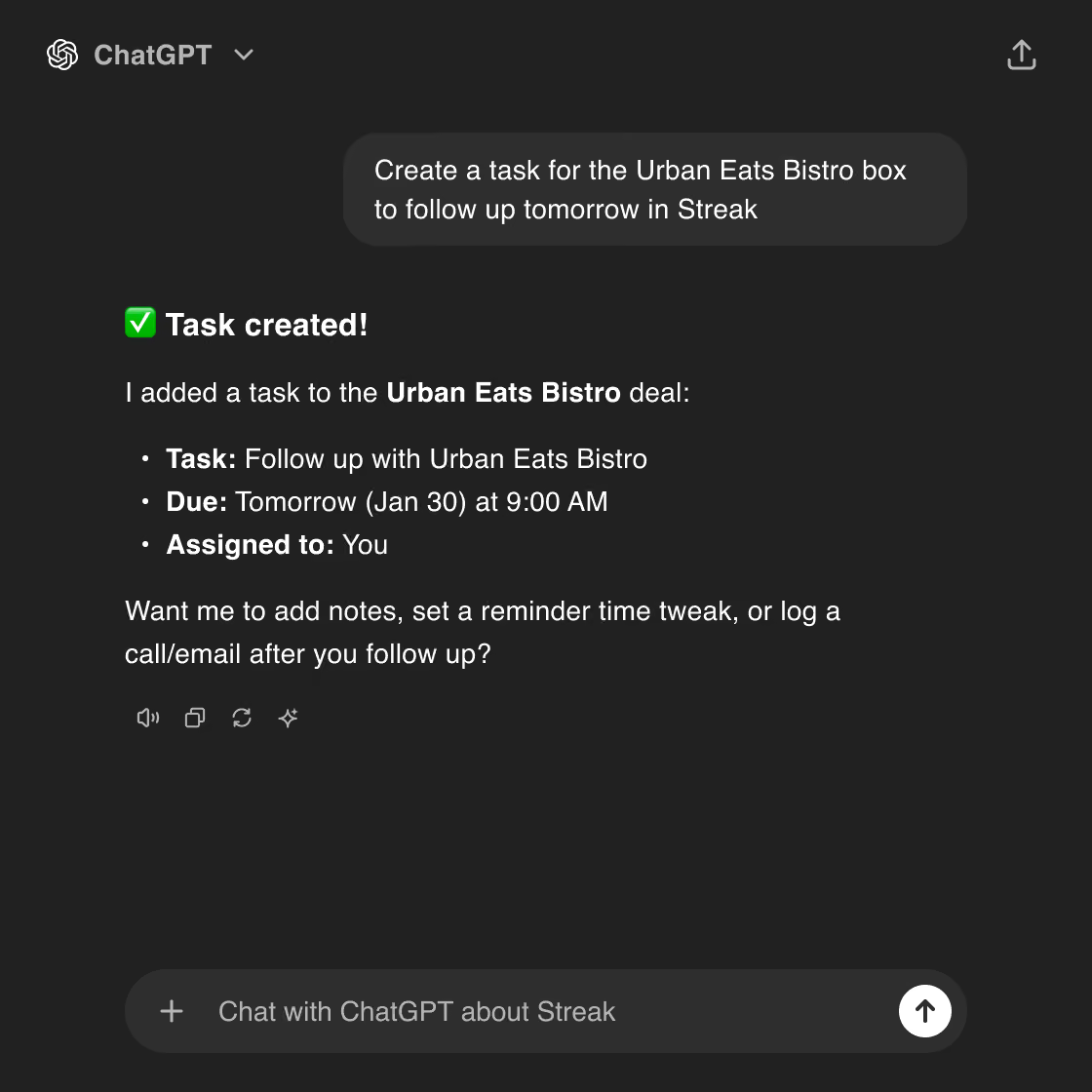
ChatGPT already helps with writing, planning, and analysis. When it can also access the tools and data you use for real work, it becomes much more useful.
Connecting Streak allows ChatGPT to use your pipeline, contacts, and deal activity as part of its context. You can ask questions about your pipeline, review deal activity, identify deals that need attention, and update records without leaving the conversation.
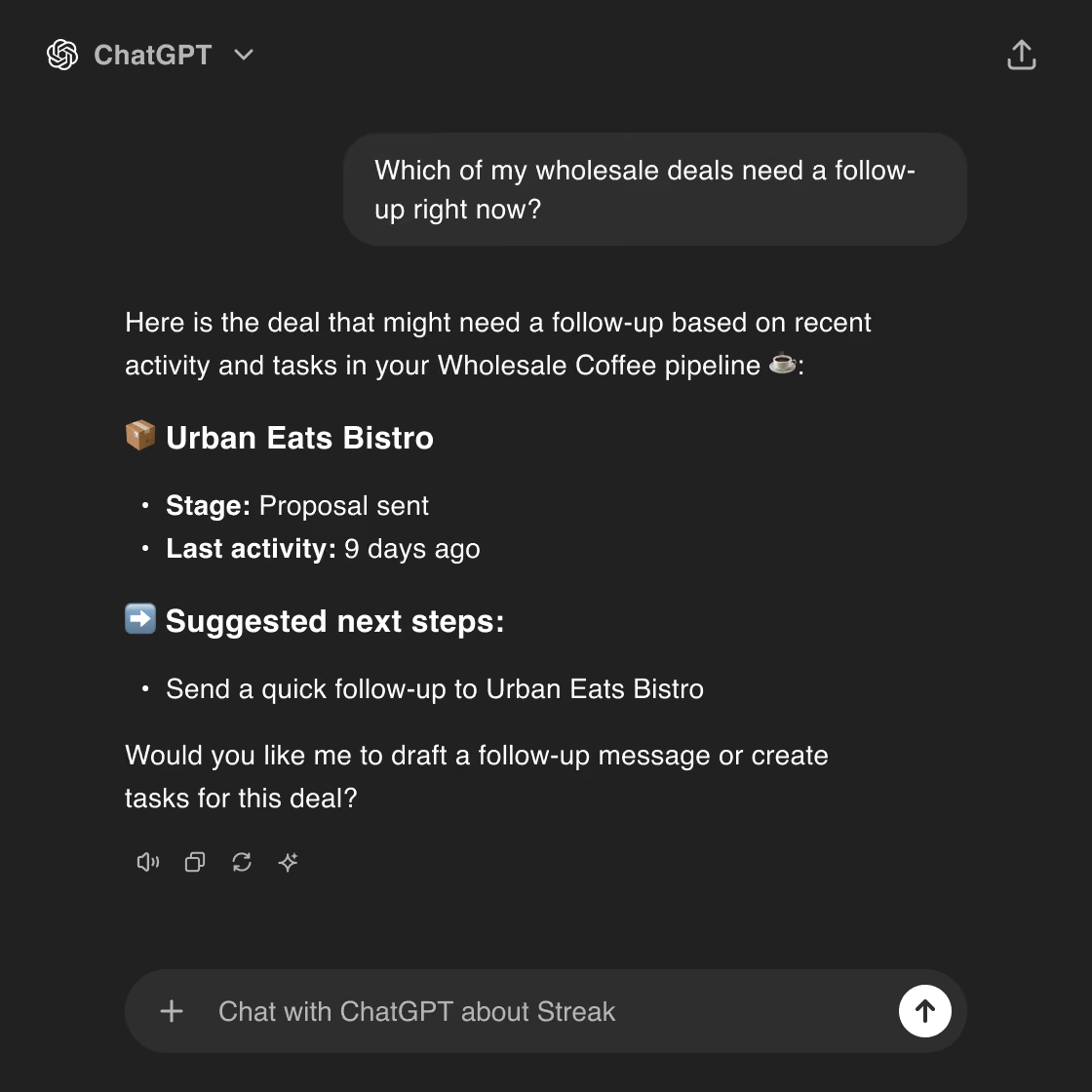
Once the Streak ChatGPT app is installed, ChatGPT can retrieve information from your CRM and perform common actions.
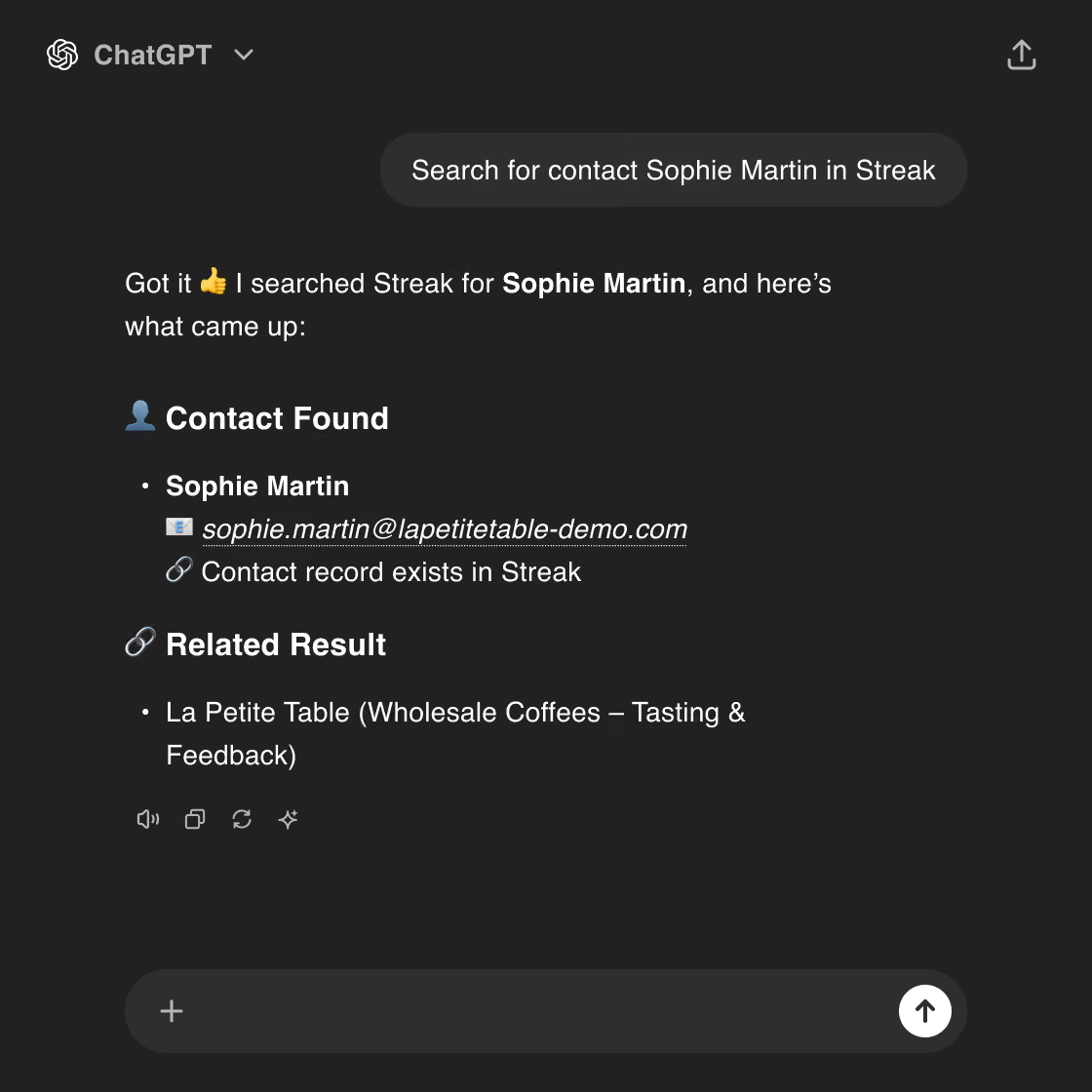
ChatGPT can:
These capabilities allow ChatGPT to both retrieve CRM data and take actions inside your Streak workspace.
With Streak connected to ChatGPT, you can combine CRM data with AI reasoning to help plan work, review pipeline activity, and update records from a conversation.
You can install the Streak app directly from the ChatGPT app library. Once installed, ChatGPT can access your Streak workspace and perform CRM actions during your conversations.
Yes. Streak provides a ChatGPT app that allows ChatGPT to access and update your Streak CRM directly from conversations.
ChatGPT can search deals and contacts, retrieve deal activity, update deal stages, create tasks, assign deals, and log notes or transcripts to a deal timeline.
No. The Streak ChatGPT app can be installed directly from the ChatGPT app library. Once installed, ChatGPT can access your Streak workspace without additional setup.
When you connect Streak to ChatGPT, you authenticate using the Google account associated with your Streak workspace.
Yes, all Streak CRM users can install and use the ChatGPT app at no additional cost.
You can find the Streak app in the ChatGPT app library by searching for "Streak." Once installed, ChatGPT can access your Streak workspace and perform CRM actions during your conversations.
ChatGPT can access some box-level email metadata from Streak, such as the total number of emails, sent vs. received counts, thread counts, and some email engagement metrics.However, ChatGPT cannot see the actual email bodies, subjects, or thread contents.
Can't find the answer you're looking for? Feel free to chat with our friendly team!


