


.webp)
Opening now...


You’ll need to use a desktop browser to set up your Streak account. You can install Streak now and finish setup on desktop later.
To get started with Chrome, install Streak from the Chrome Web Store on your desktop. Share your email and we'll send you the install link directly.
To get started with Safari, install Streak from the Mac App store on your desktop. Share your email and we'll send you the install link directly.
To get started with Edge, install Streak from the Edge Add-ons store on your desktop. Share your email and we'll send you the install link directly.


If you’ve installed Streak and completed onboarding on desktop, you can install the Streak app to access your pipelines on mobile.


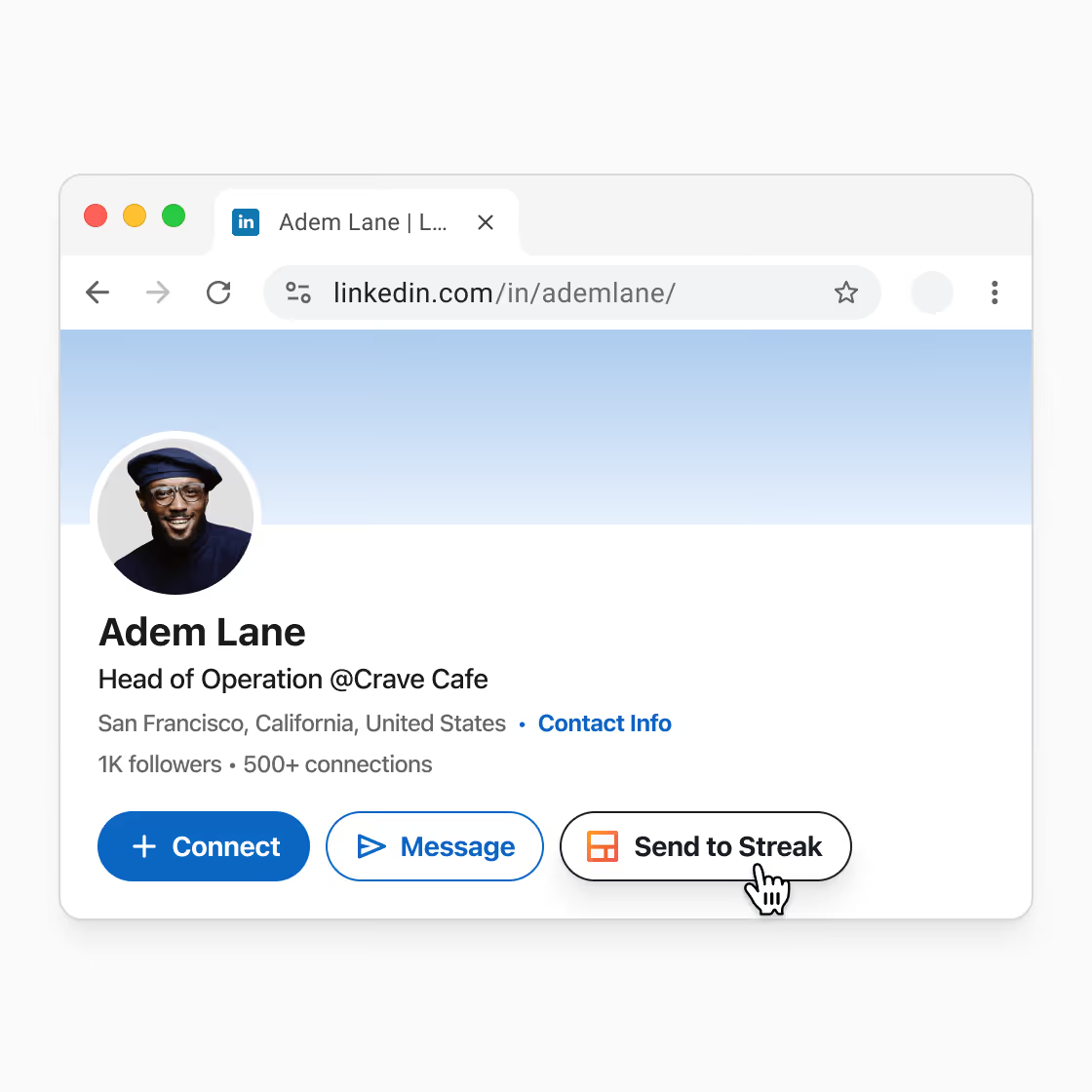
Prospecting usually starts on LinkedIn, but CRM updates and email lookup happen later, in other tools. That delay slows follow‑up and leaves context split across systems.
When you view a profile or company page on LinkedIn, you’ll see an Add to Streak button. Clicking it sends the profile to your Streak CRM, creates a contact or deal, pulls in key profile details, and automatically enriches the contact with an email address so it’s ready for outreach.
Browse LinkedIn and send profiles directly to your CRM in Streak with the Send to Streak button in LinkedIn.
When you create a record, you can place it in the correct pipeline or contact list so it’s already organized when you return to your CRM to follow up.
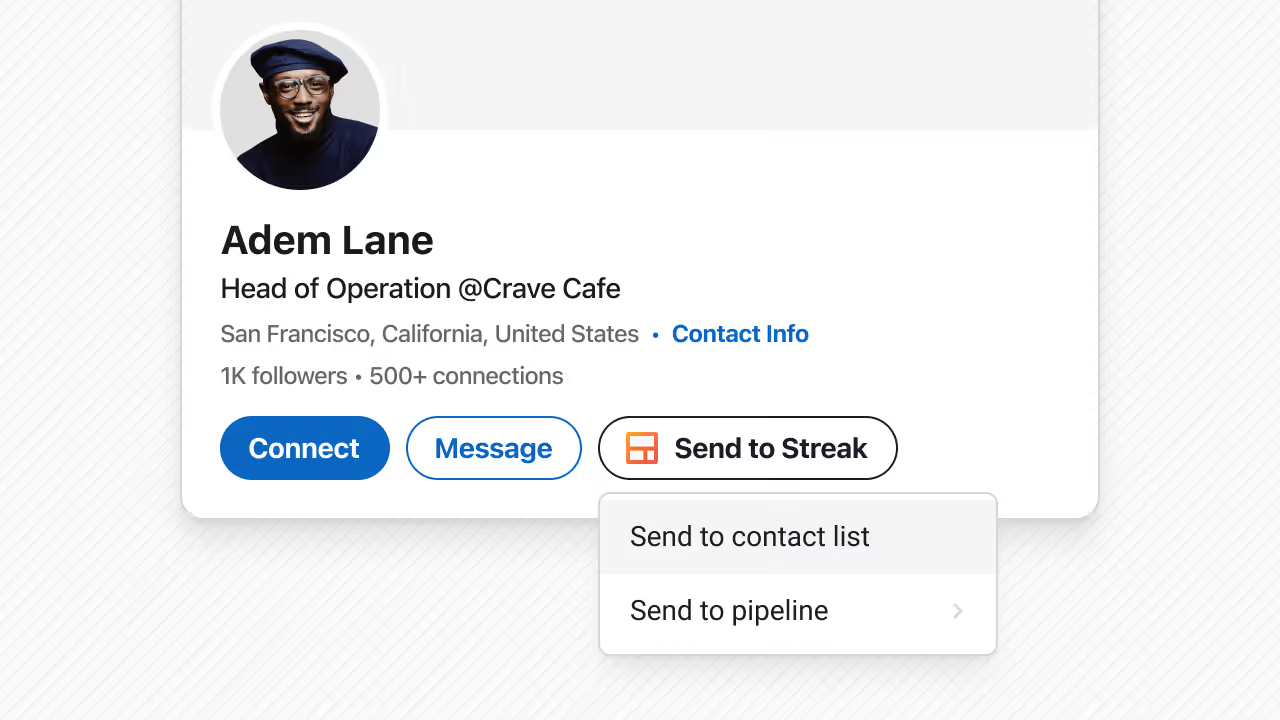
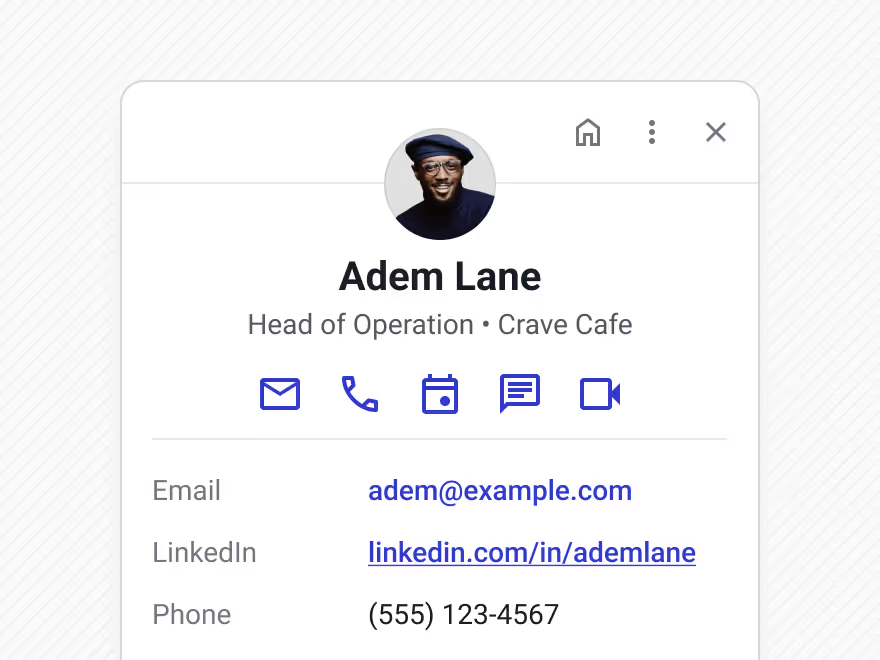
When you add a LinkedIn profile to Streak, the CRM record is created with a combination of profile data from LinkedIn and enriched contact data.
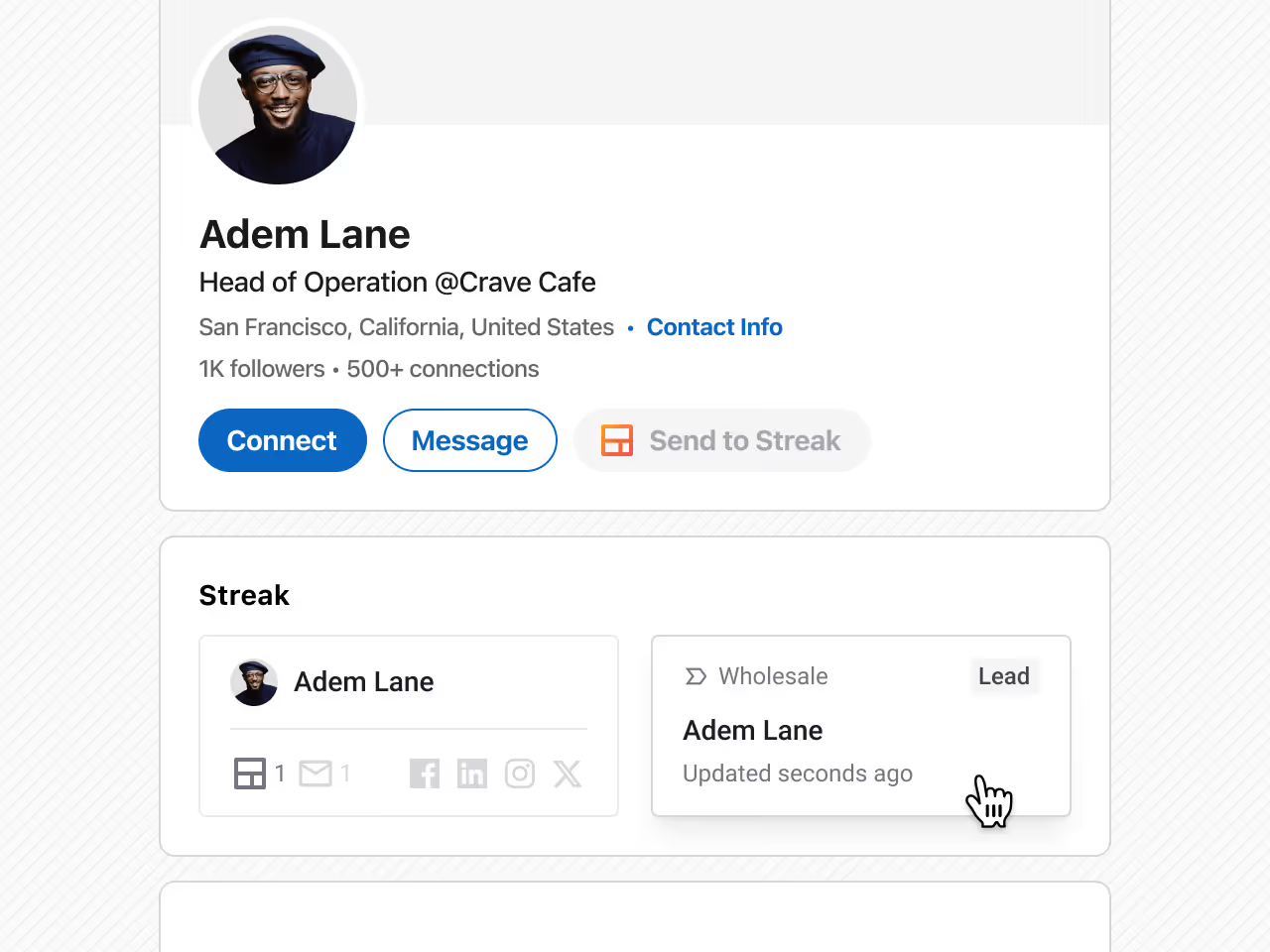
Streak shows whether the LinkedIn profile already exists in your CRM. This helps prevent duplicate contacts or deals and keeps your CRM cleaner as you prospect.
Click on the contact or record to jump directly to their contact page or deal in Streak.
When a LinkedIn profile is added to Streak, the CRM record is created with a combination of authoritative LinkedIn data and enriched contact data.
Streak pulls in profile information directly from LinkedIn, including:
If a contact does not already have an email address, Streak automatically looks for a verified email address and fills it in.
Email enrichment runs whenever a LinkedIn URL is added or updated, regardless of how the contact was created.
Bringing LinkedIn prospecting directly into the CRM removes delays, reduces cleanup, and keeps follow-up work aligned across the team.
Yes. Streak integrates directly with LinkedIn, allowing you to add contacts, organizations, or deals to your CRM from LinkedIn profiles and company pages.
When a LinkedIn URL is added or updated on a contact, Streak automatically looks for a verified email address and fills it in if one is available.
No. If a contact already has an email address, Streak does not overwrite it and does not add secondary email addresses.
You can create contacts, organizations, or deals (boxes) directly from LinkedIn profiles or company pages.
Yes. Before creating a new record, Streak shows whether the LinkedIn profile already exists in your CRM to help prevent duplicates.
You can add profiles to Streak directly from LinkedIn while prospecting, then manage those records and follow up from your CRM and Gmail.
Can't find the answer you're looking for? Feel free to chat with our friendly team!


