


.webp)
Opening now...


You’ll need to use a desktop browser to set up your Streak account. You can install Streak now and finish setup on desktop later.
To get started with Chrome, install Streak from the Chrome Web Store on your desktop. Share your email and we'll send you the install link directly.
To get started with Safari, install Streak from the Mac App store on your desktop. Share your email and we'll send you the install link directly.
To get started with Edge, install Streak from the Edge Add-ons store on your desktop. Share your email and we'll send you the install link directly.


If you’ve installed Streak and completed onboarding on desktop, you can install the Streak app to access your pipelines on mobile.


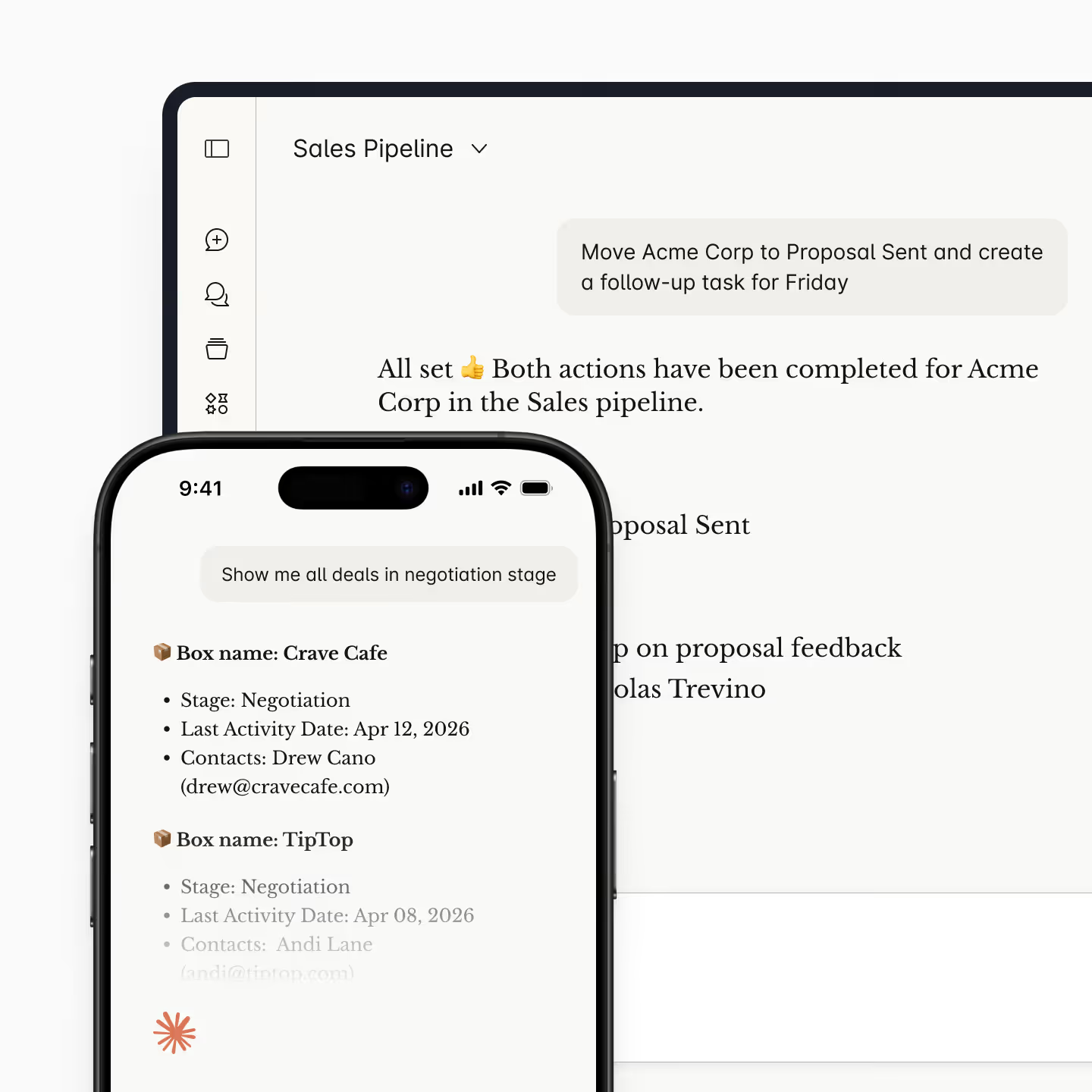
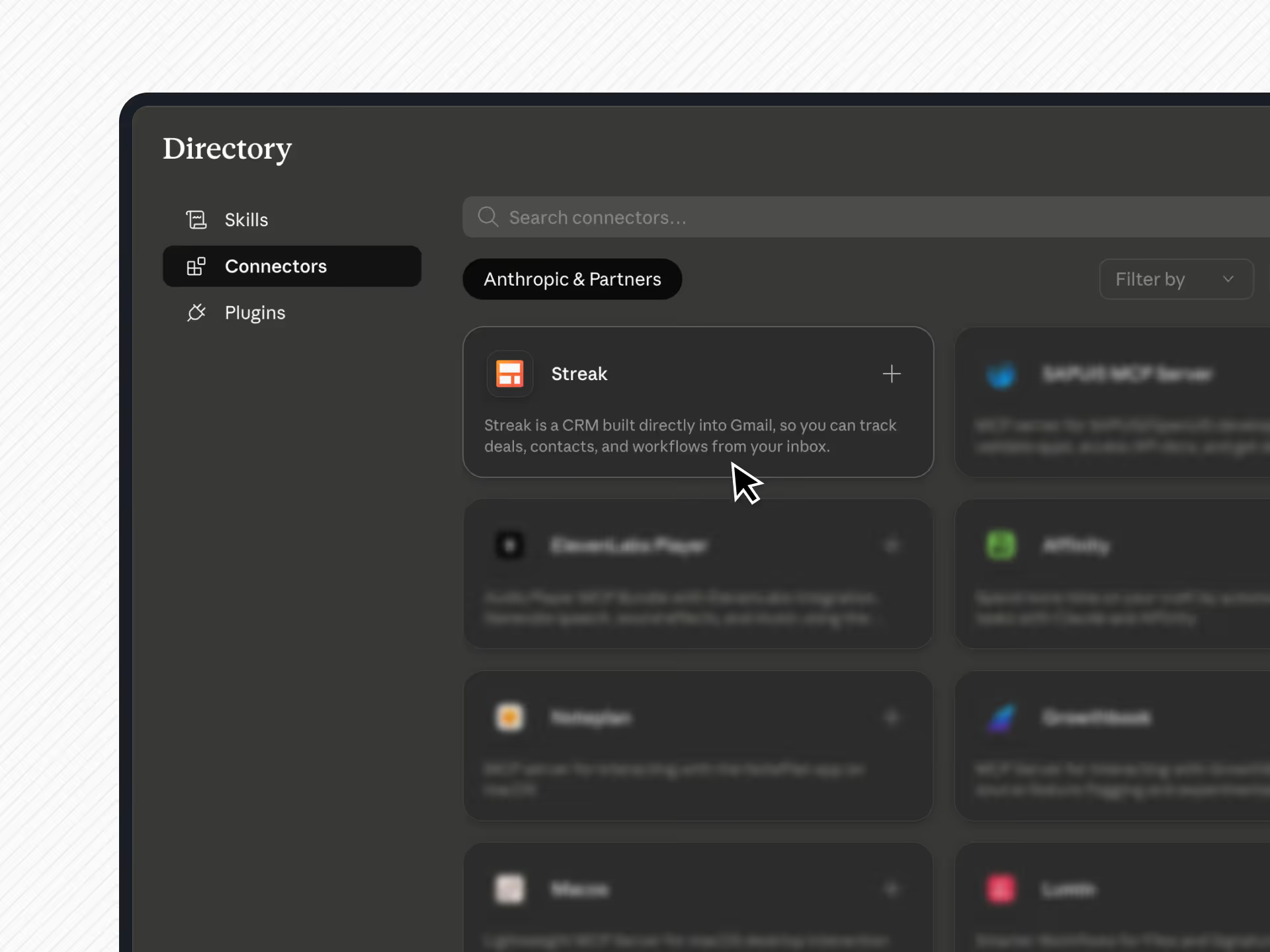
🔗 Add from Claude: Add Streak as a Claude connector: just click here to install.
Once connected, Claude can read your CRM data, create and update records, and analyze your pipeline. Use the prompts below as a starting point.
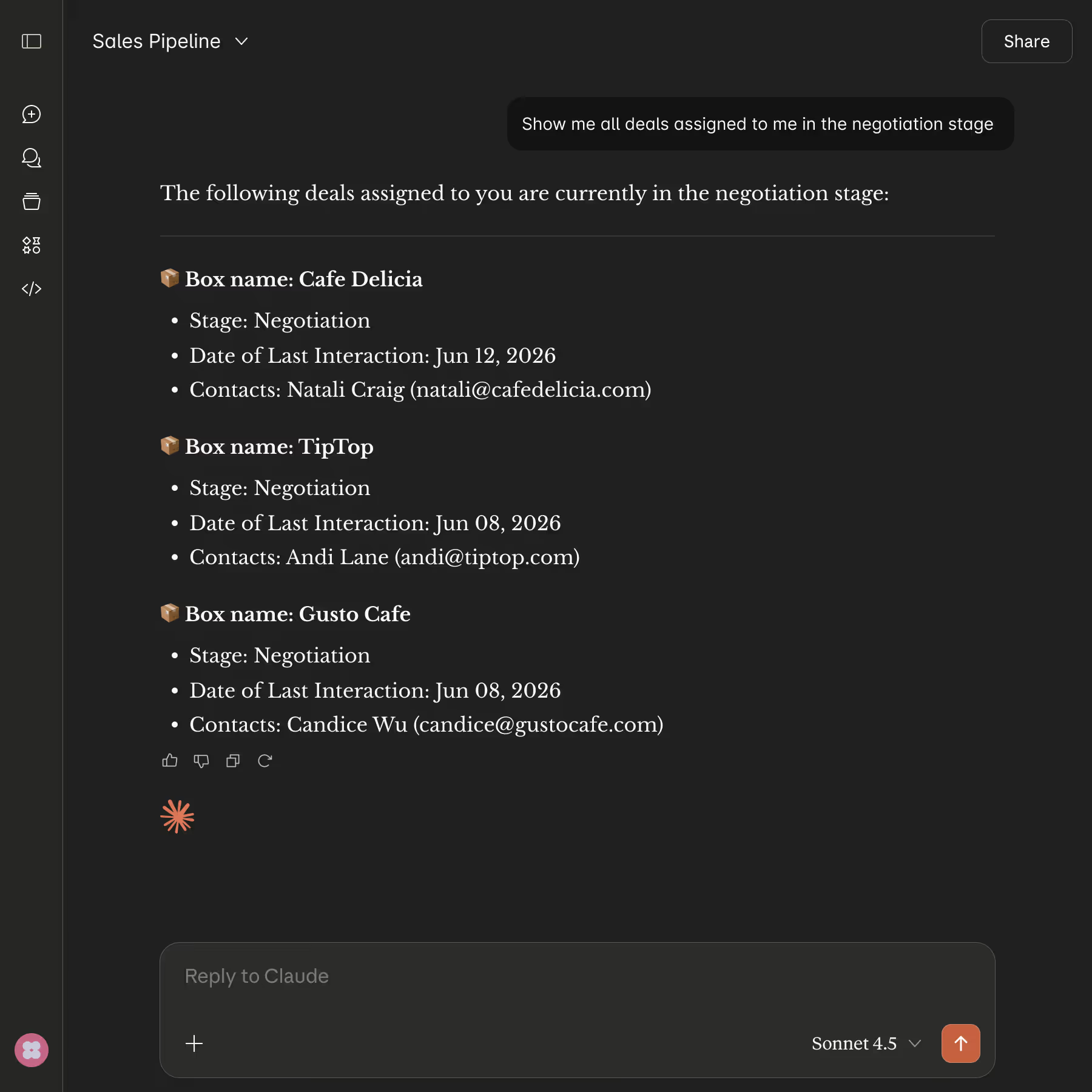
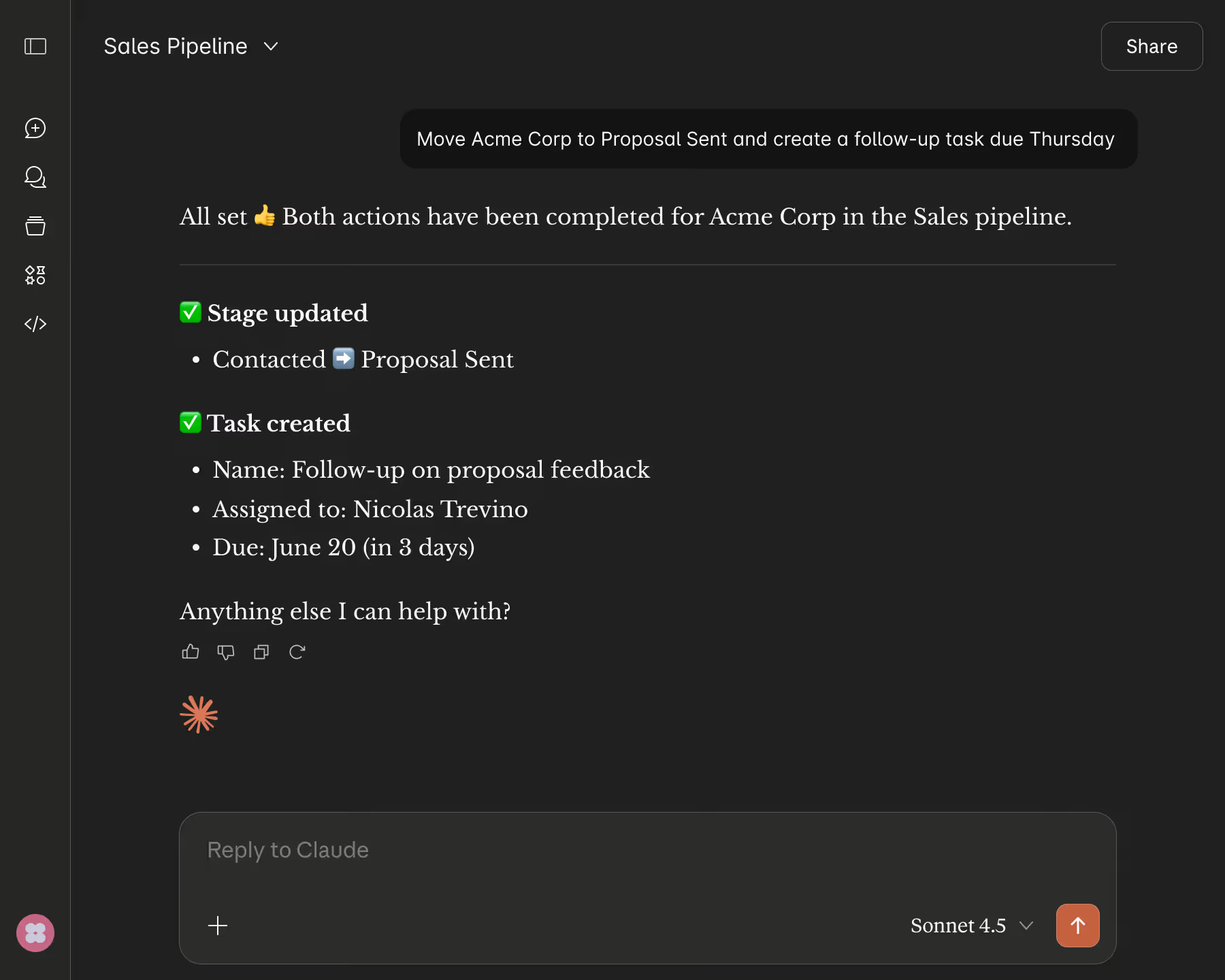
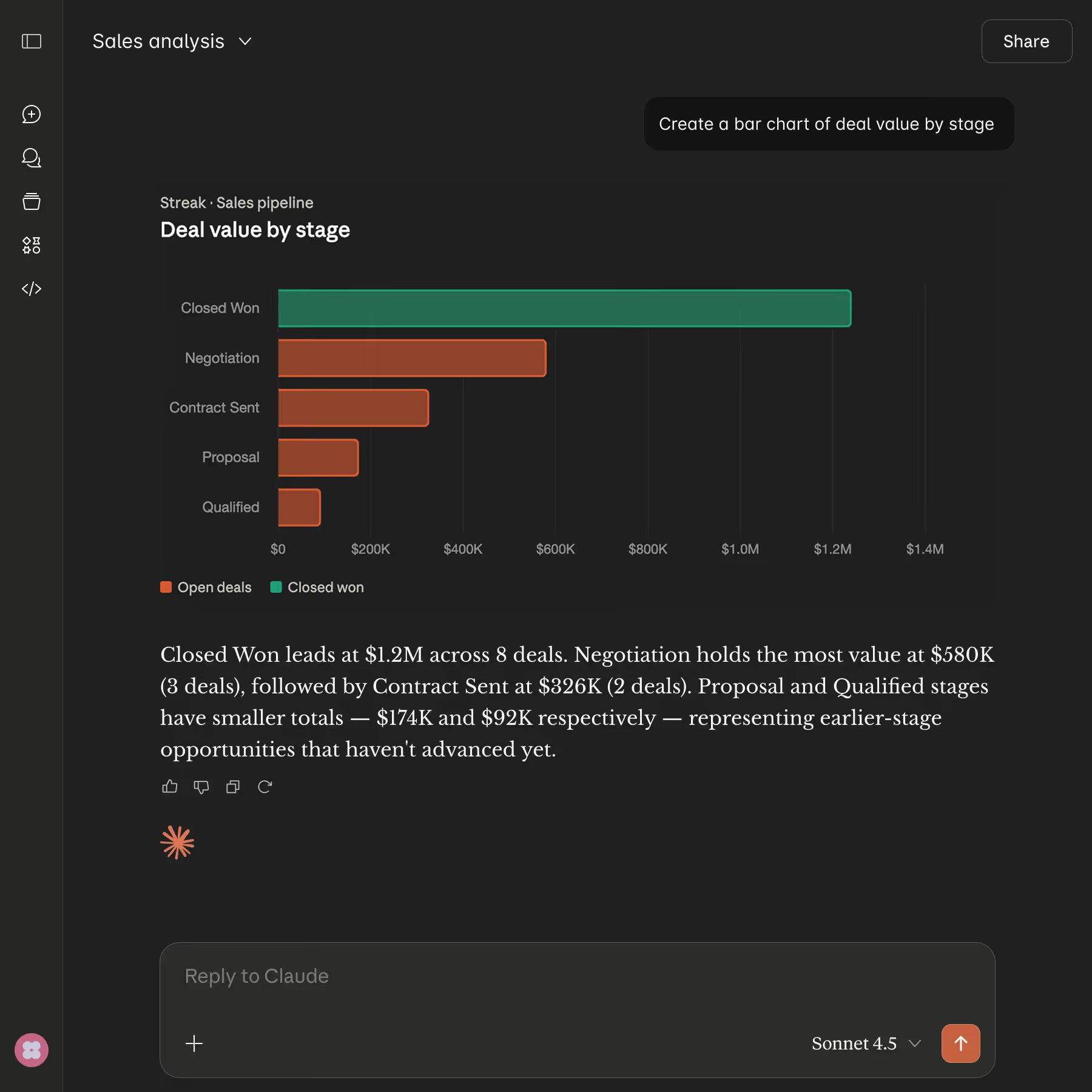
Because Claude reads your pipeline directly, it answers questions and builds charts from your real records, not generic templates.
Get the detailed setup guide →
It connects your Streak CRM to Claude so you can search, read, update, and analyze your pipeline from a Claude conversation. It uses Streak's MCP server and is listed in Anthropic's Claude connectors directory for one-click setup.
Open Customize → Connect your apps in Claude, find Streak, and click Connect. You can also add it manually as a custom connector with the server URL https://api.streak.com/mcp.
claude.ai on the web, Claude Desktop, Claude Code, and the Claude mobile app.
Yes. Beyond reading data, Claude can update records on your behalf — moving deals between stages, creating tasks, logging calls, and assigning deals. It acts using your existing Streak permissions, and you confirm actions in Claude before they run.
No. The Streak connector is available to Streak users at no additional cost.
Streak uses OAuth — the same secure method used by the Streak web and mobile apps. Access is limited to your Streak workspace and follows your existing permissions. No API keys are stored in Claude, and you can revoke access any time from your Streak account settings.
No. The connector provides CRM data like deals, contacts, and timelines. It does not provide access to your email content. For email analysis, use Streak's built-in AI features in Gmail.
They share the same Streak MCP server and core functionality. The Claude connector is the one-click way to add Streak inside Claude. The ChatGPT app is the equivalent for ChatGPT. MCP is the universal option for any MCP-compatible tool.
Remove the Streak connector in Claude under Customize → Connect your apps. To cut access for every connected assistant at once, you can also revoke Streak from your Streak account settings.
Can't find the answer you're looking for? Feel free to chat with our friendly team!


