


.webp)
Opening now...


You’ll need to use a desktop browser to set up your Streak account. You can install Streak now and finish setup on desktop later.
To get started with Chrome, install Streak from the Chrome Web Store on your desktop. Share your email and we'll send you the install link directly.
To get started with Safari, install Streak from the Mac App store on your desktop. Share your email and we'll send you the install link directly.
To get started with Edge, install Streak from the Edge Add-ons store on your desktop. Share your email and we'll send you the install link directly.


If you’ve installed Streak and completed onboarding on desktop, you can install the Streak app to access your pipelines on mobile.


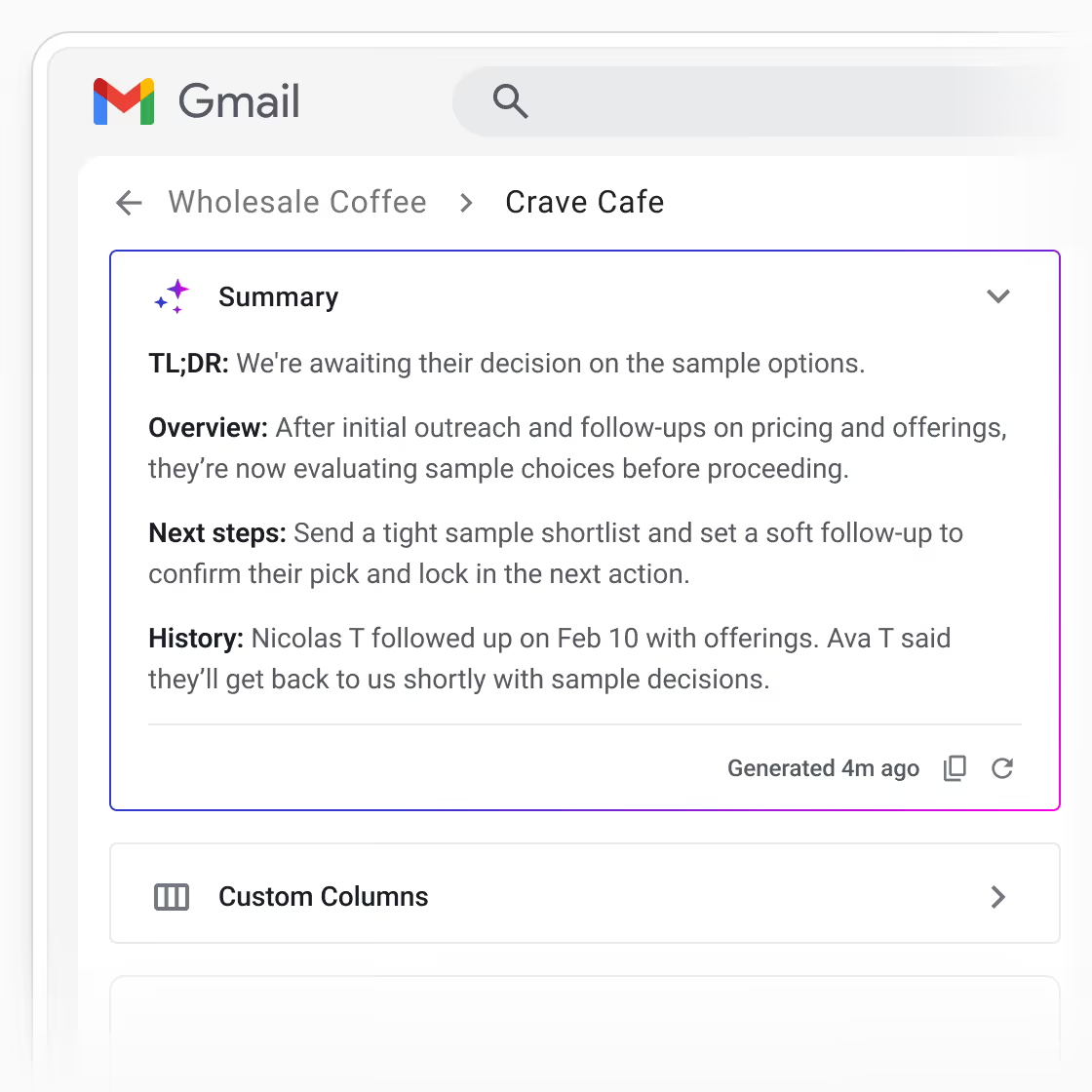
Reviewing a deal often means clicking through emails, notes, and timelines to piece together recent interactions—work that repeats every time you come back.
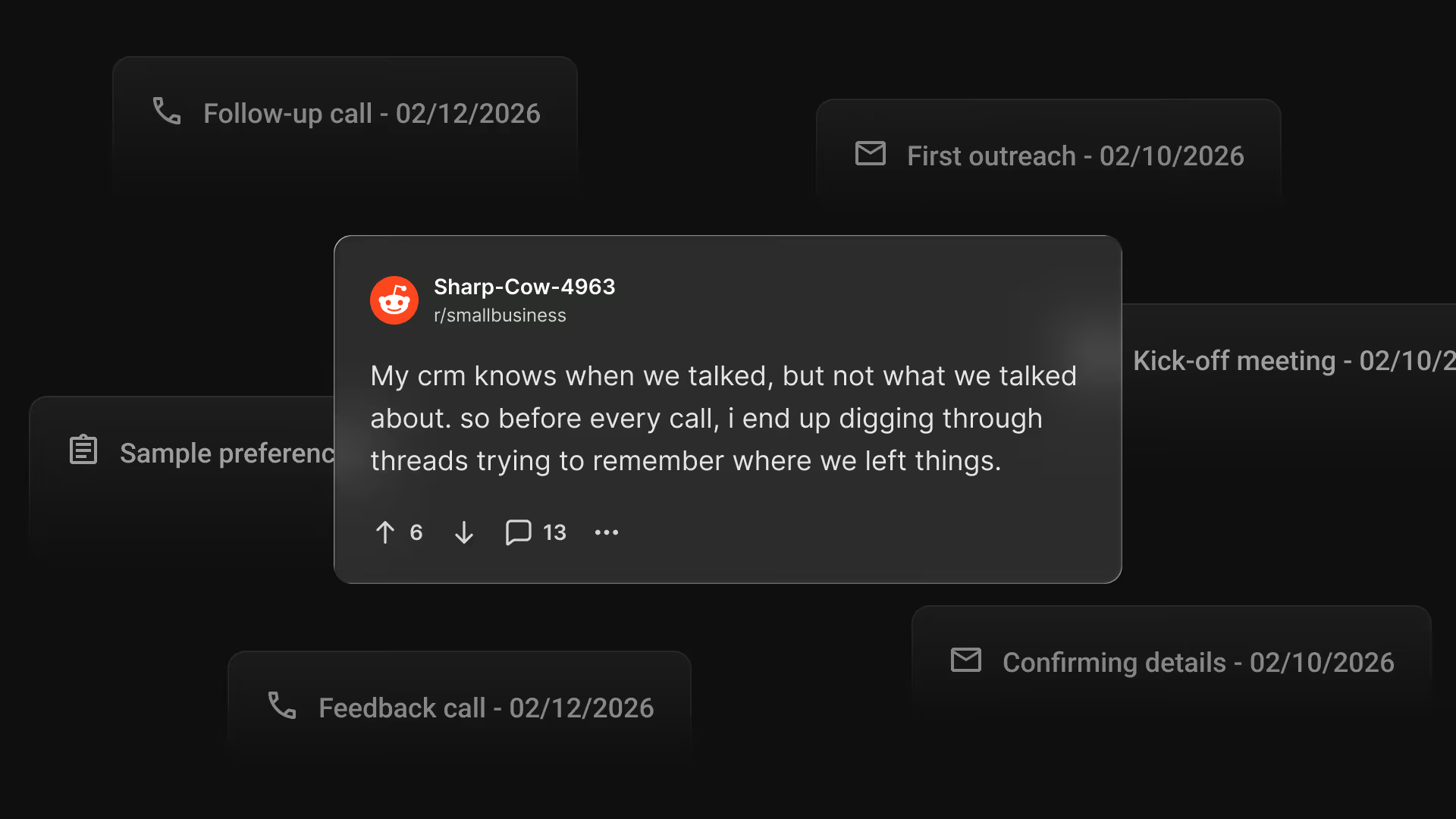
AI summaries turn unstructured deal activity into a clear, shared summary, so you can understand the state of a deal in seconds.
Each summary pulls together recent activity, deal history, and next steps to quickly explain where things stand.
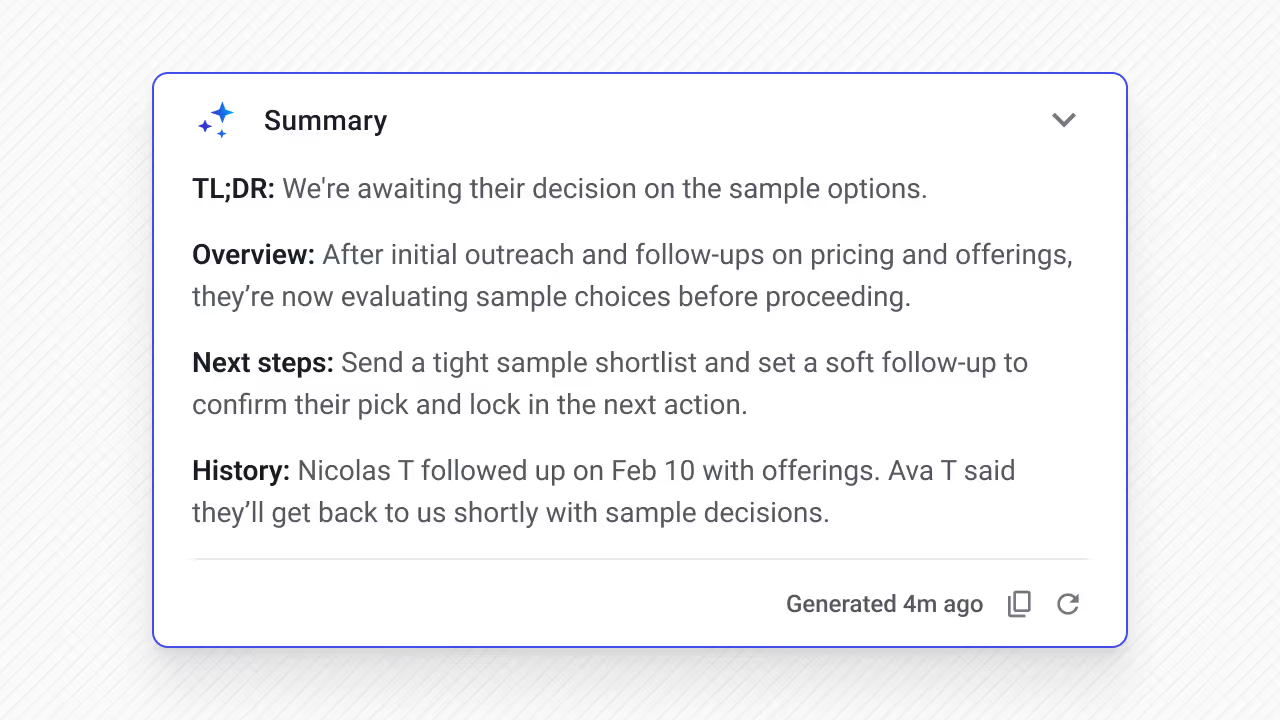
A new Summary card now appears in the deal view. Once generated, the summary stays with the deal so anyone reviewing it can quickly get context—no re-generating, no waiting.
Each summary includes:
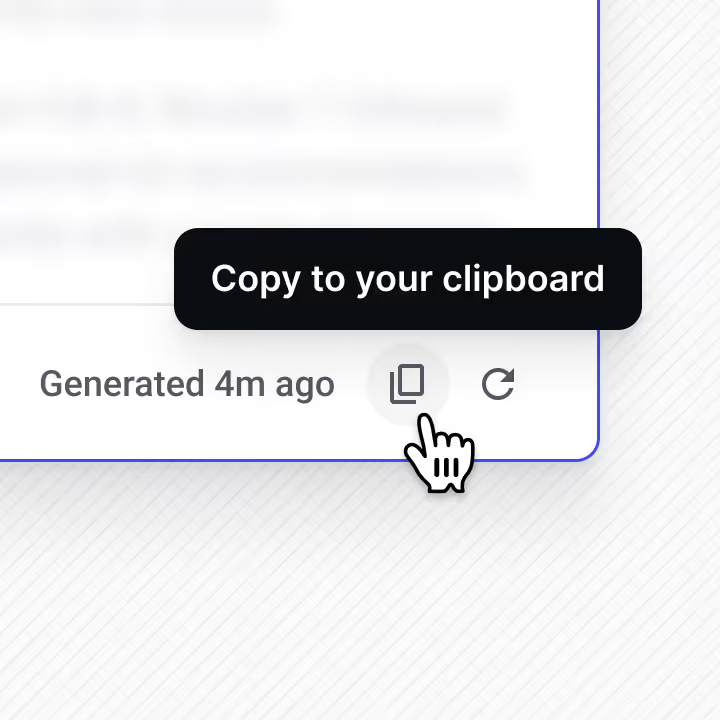
You can also copy the summary with one click to share updates or prepare for a review.
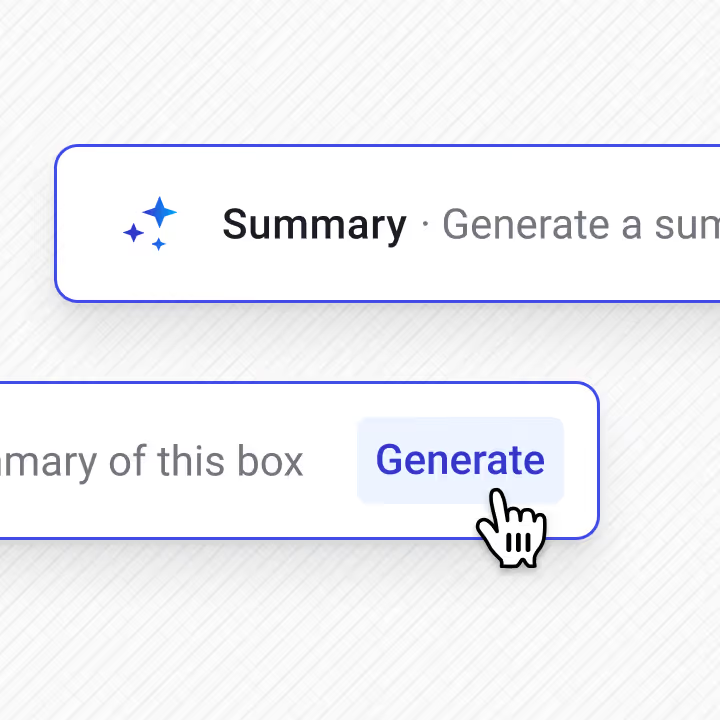
You can find AI summaries anywhere you're working on a deal.
In your pipelines
A Summary column shows a short, focused one-liner for each deal, making it easy to scan for status and next steps across the pipeline. Click to expand for a complete summary.
In the deal view
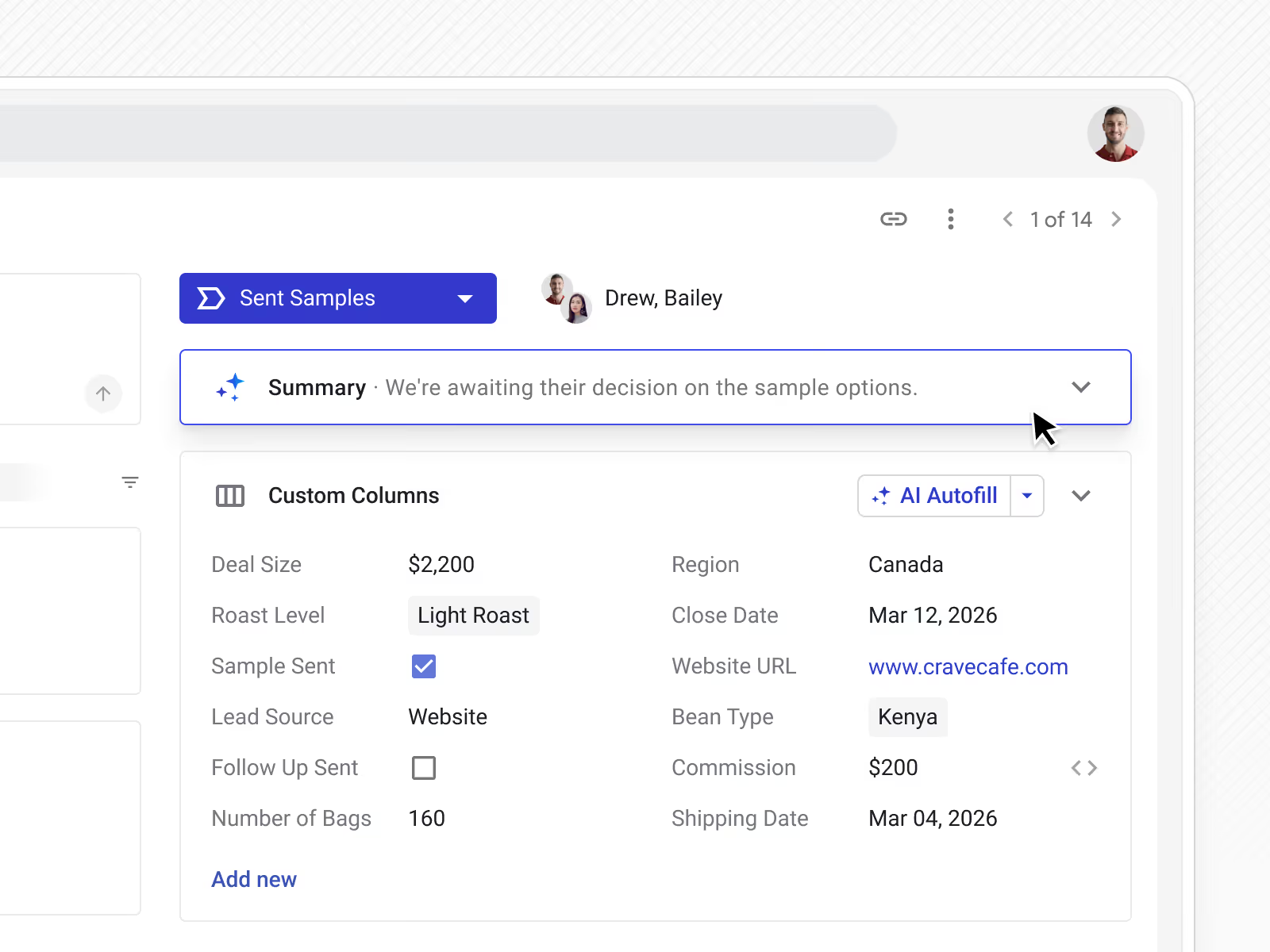
Get a full summary of each deal when working in the box view. Collapse this to save space or drag and drop the summary card to set up a customized view for your deals.
In Gmail
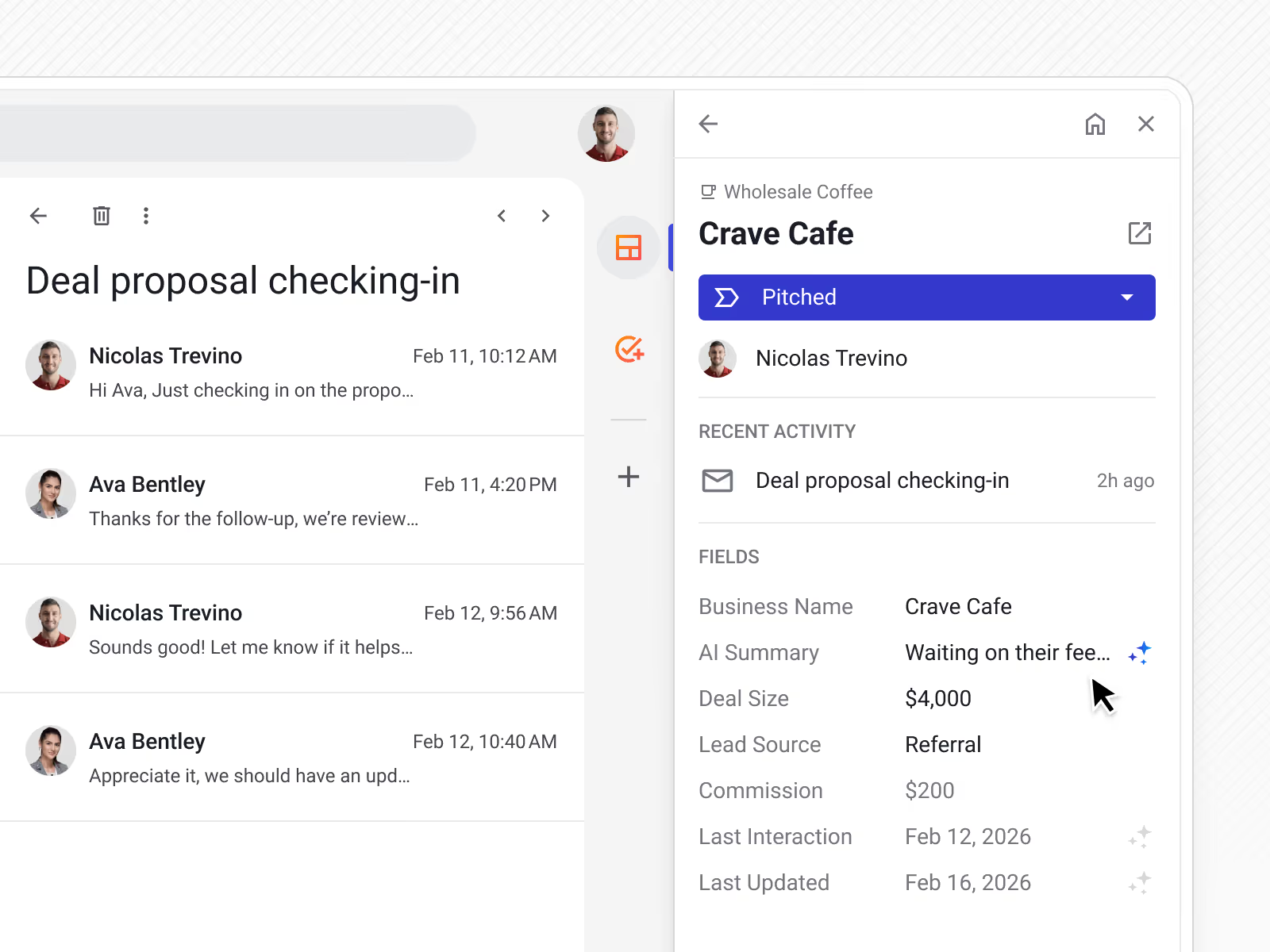
When you’re writing or replying to emails in your inbox, the Summary column in the Streak sidebar lets you see deal context directly from the email thread.
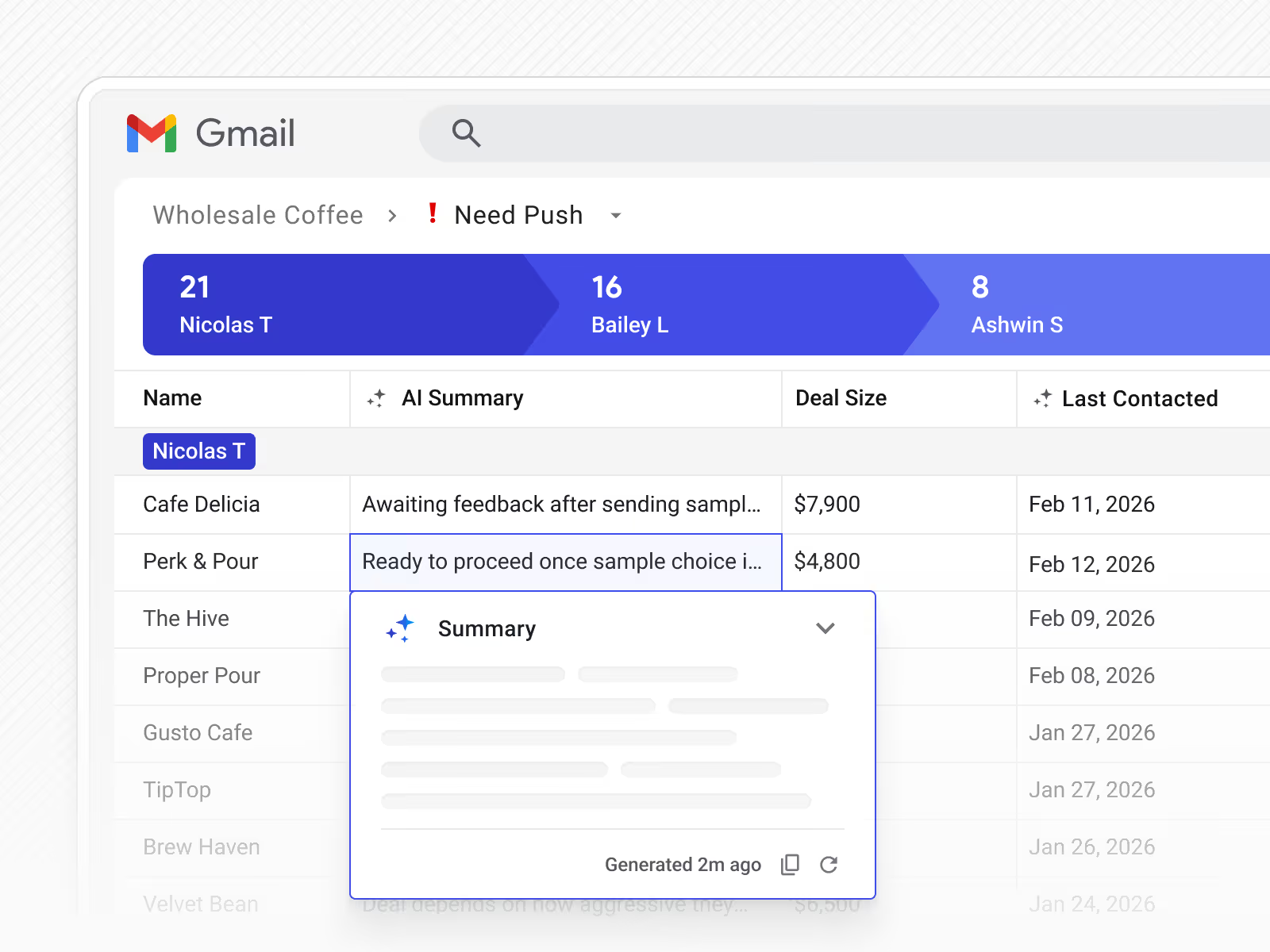
When deal activity changes, you can regenerate the summary to pull in the latest context.
Refresh summaries directly from the deal view or pipeline to keep history and next steps current as work progresses.
AI summaries are AI-generated overviews of a deal that analyze emails, notes, and interactions to highlight the current state of the deal, recent history, and suggested next steps. They’re designed to help you understand a deal quickly without digging through activity.
Each AI summary includes a high-level overview of the deal, anything blocking the deal, recommended next steps based on deal activity, and a history of key interactions. The summary is structured to support fast reviews and consistent updates.
You can view AI summaries directly on each deal, as a summary column in pipeline view, and in the Streak sidebar while working inside Gmail email threads.
You can generate a summary from the Summary card in the deal view. When activity changes, you can regenerate the summary from the deal view or pipeline to pull in the latest context.
AI summaries are especially useful for managers reviewing deals, but they’re helpful for anyone who needs quick context—before a follow‑up, handoff, or pipeline review.
AI summaries cost 1 credit per run.
Can't find the answer you're looking for? Feel free to chat with our friendly team!


