


.webp)
Opening now...


You’ll need to use a desktop browser to set up your Streak account. You can install Streak now and finish setup on desktop later.
To get started with Chrome, install Streak from the Chrome Web Store on your desktop. Share your email and we'll send you the install link directly.
To get started with Safari, install Streak from the Mac App store on your desktop. Share your email and we'll send you the install link directly.
To get started with Edge, install Streak from the Edge Add-ons store on your desktop. Share your email and we'll send you the install link directly.


If you’ve installed Streak and completed onboarding on desktop, you can install the Streak app to access your pipelines on mobile.


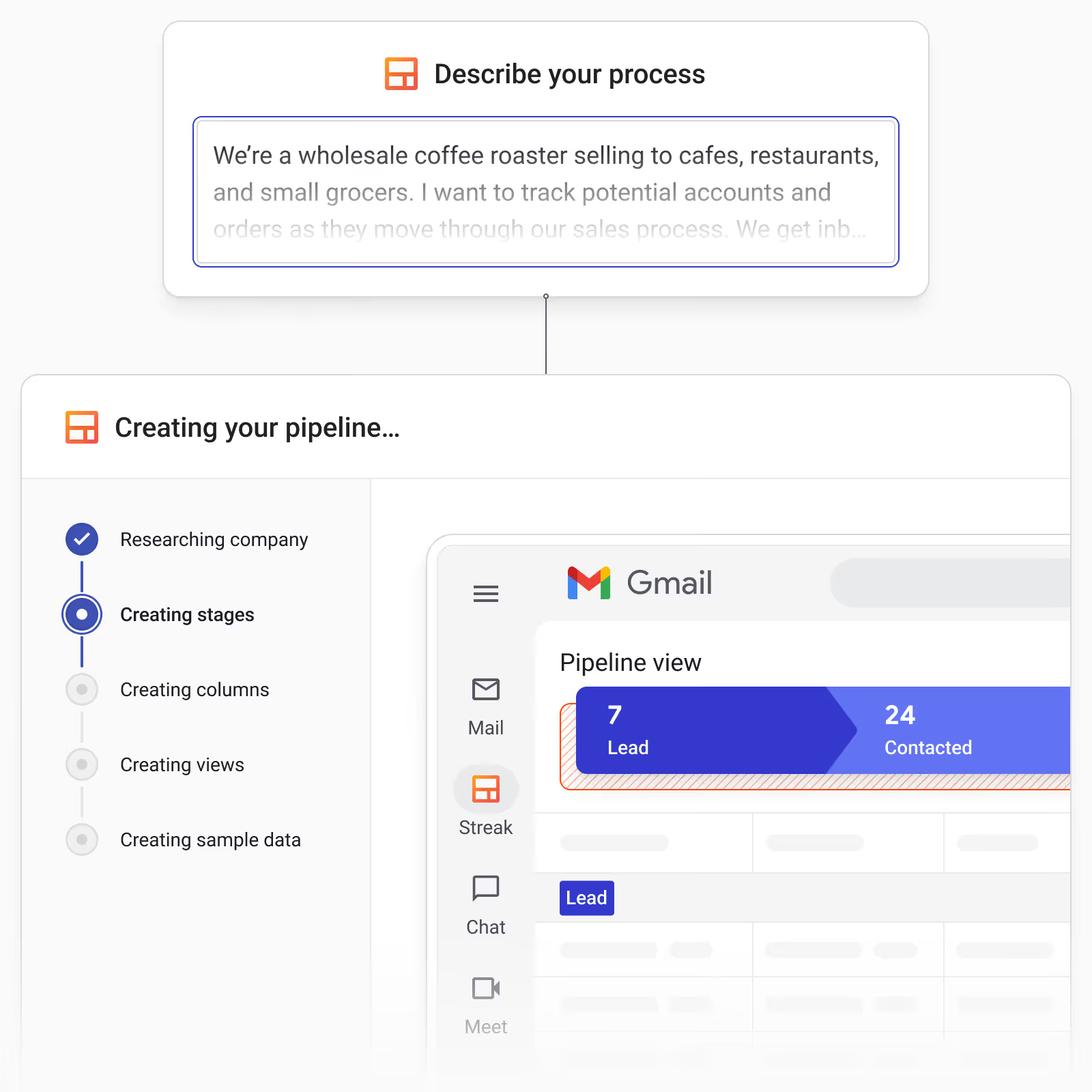
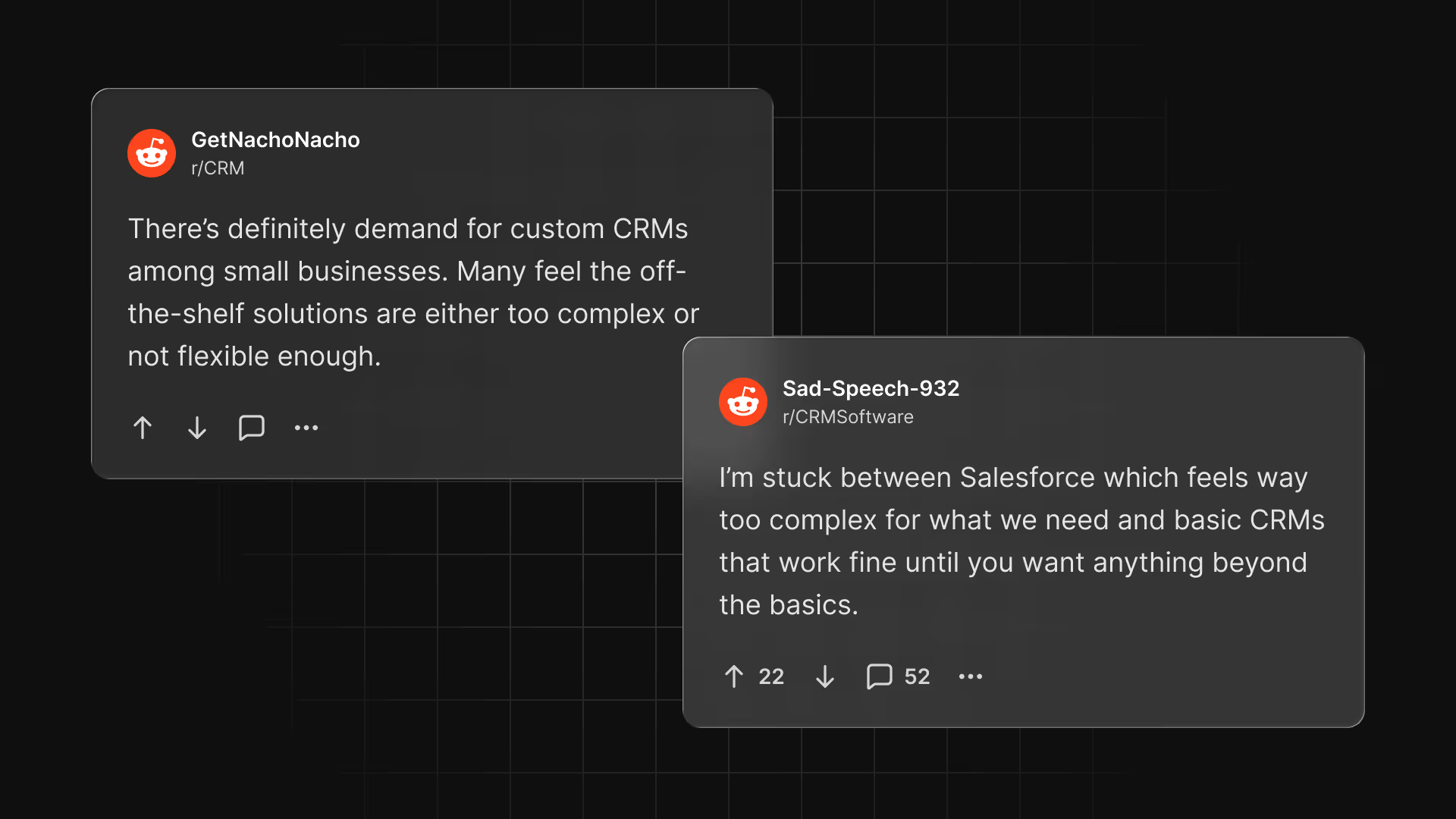
Most CRMs either make customization overly complex or limit it so much that real workflows don’t fit. Teams end up forcing their unique processes into generic stages, which slows setup, creates friction, and leads to pipelines that never quite match how work actually happens.
Streak’s AI Pipeline Creator helps teams create fully customized workflows in minutes by turning a simple description of your business into a complete, structured CRM pipeline from the start.
The AI Pipeline Creator doesn’t just turn what you type into preset templates. It actively analyzes your description to map your specific process to structured CRM components.
Since each prompt is completely unique, each pipeline is, too. Streak turns that plain‑language description into a complete, customized pipeline with:
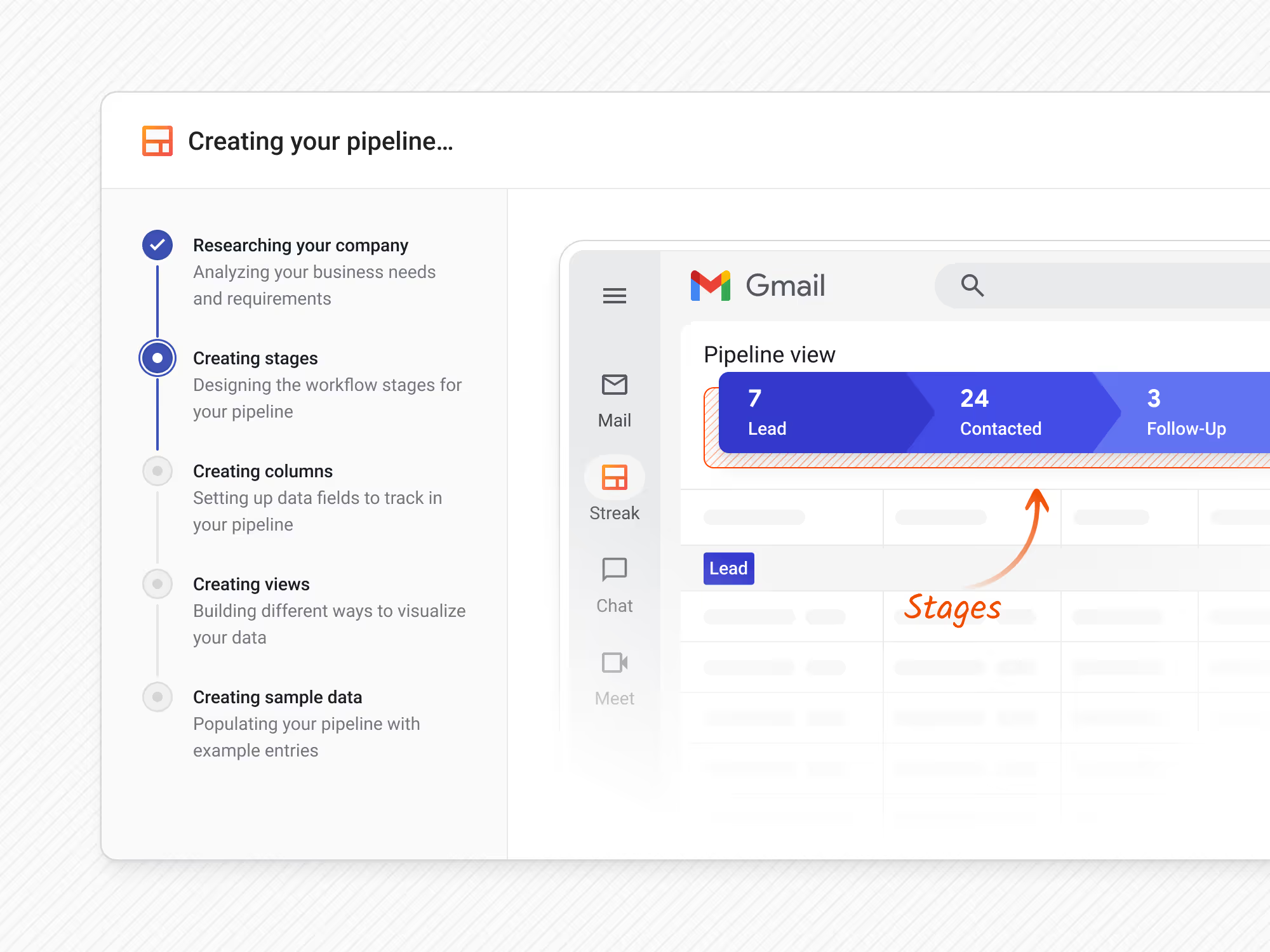

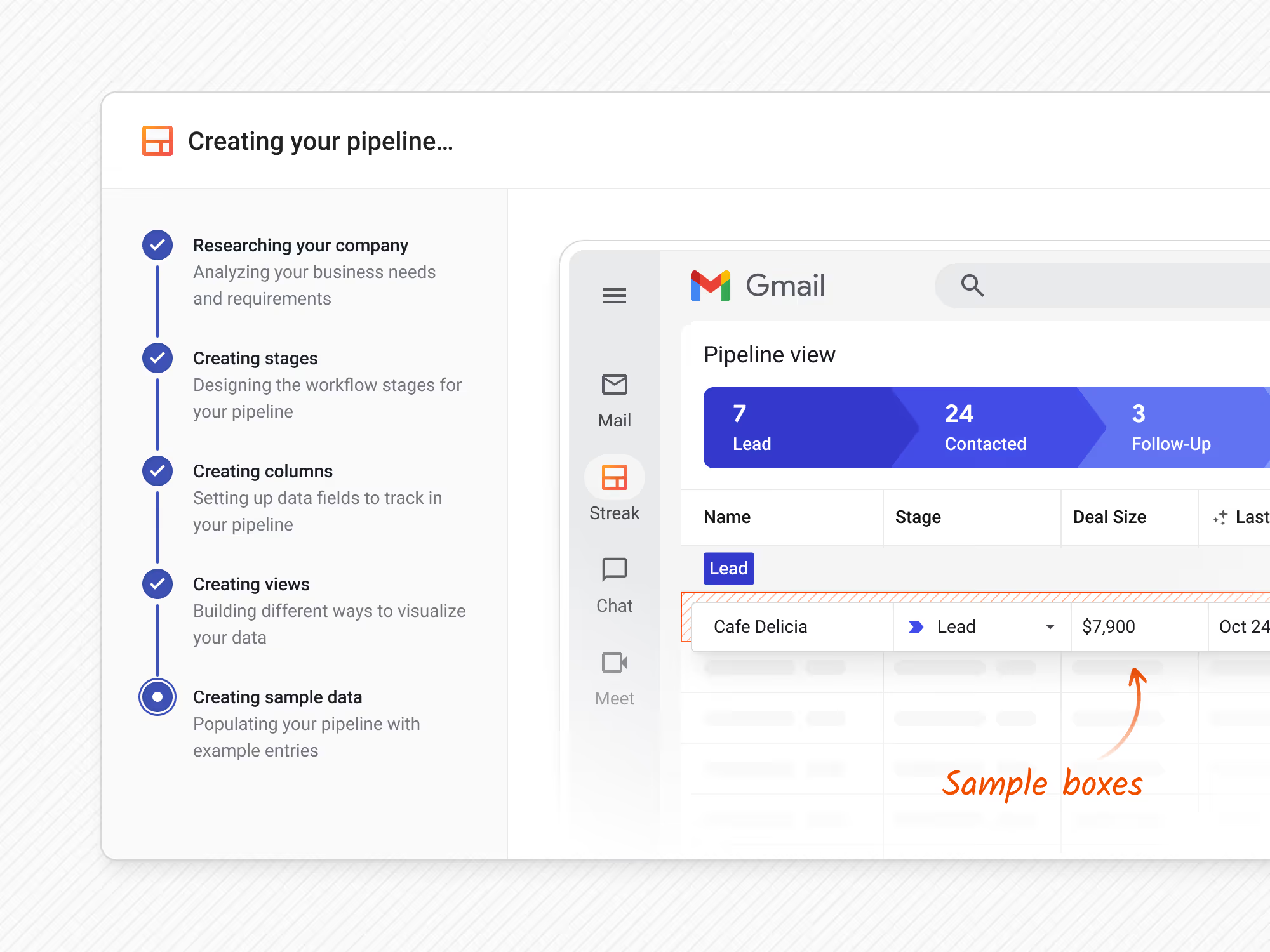
The AI Pipeline Creator guides you through a small set of focused steps designed to produce a pipeline that fits your workflow.
By describing how your business works, who you serve, and what you need to track, Streak can generate a pipeline that’s ready to use and easy to refine.
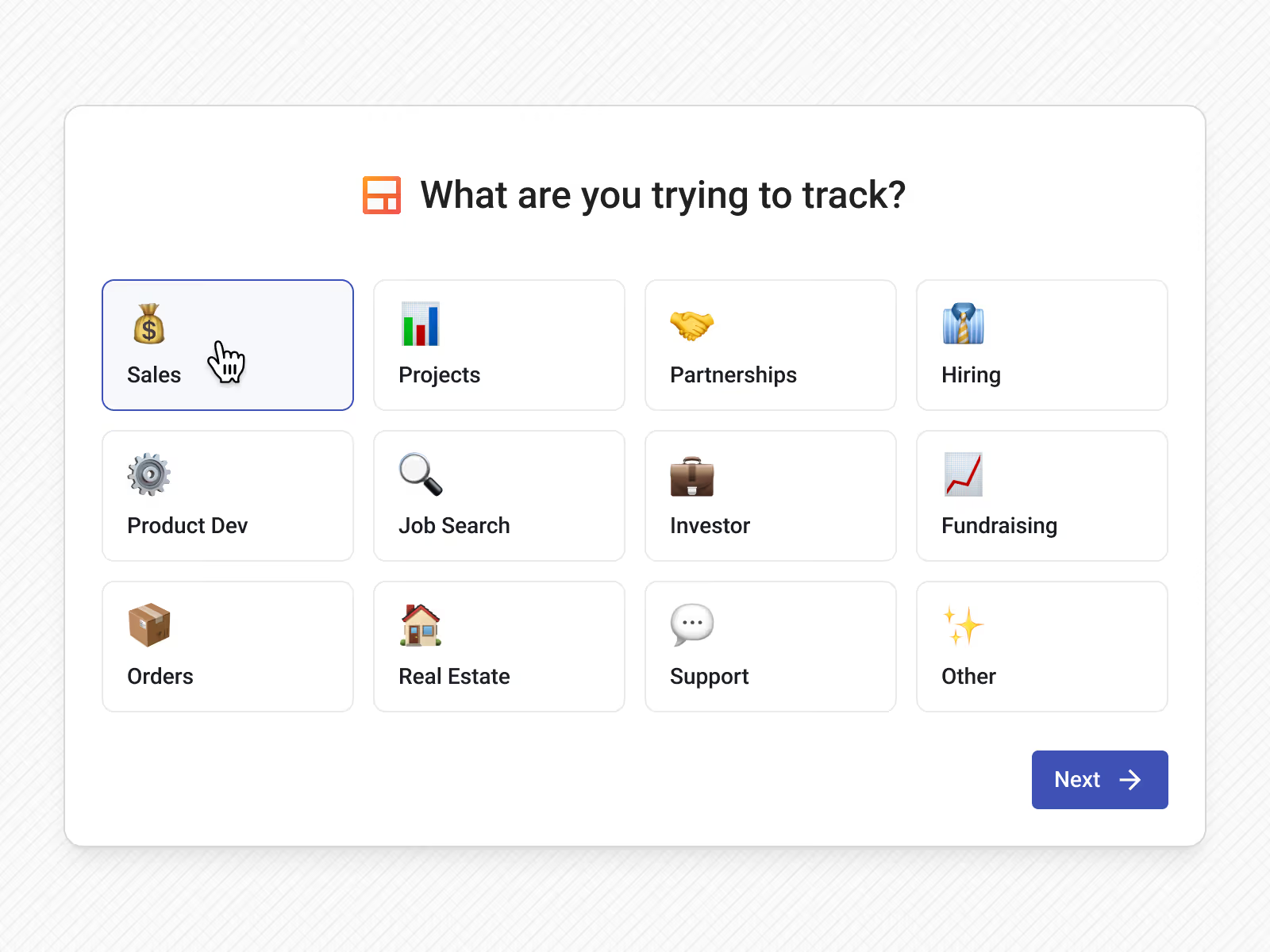
Pick the general workflow that fits your use case the closest — sales, hiring, project management, partnerships, and more. This gives the AI a frame of reference before you fully customize your own pipeline.
As you add information, Streak evaluates your prompt and lets you know if additional details would help produce a better pipeline.
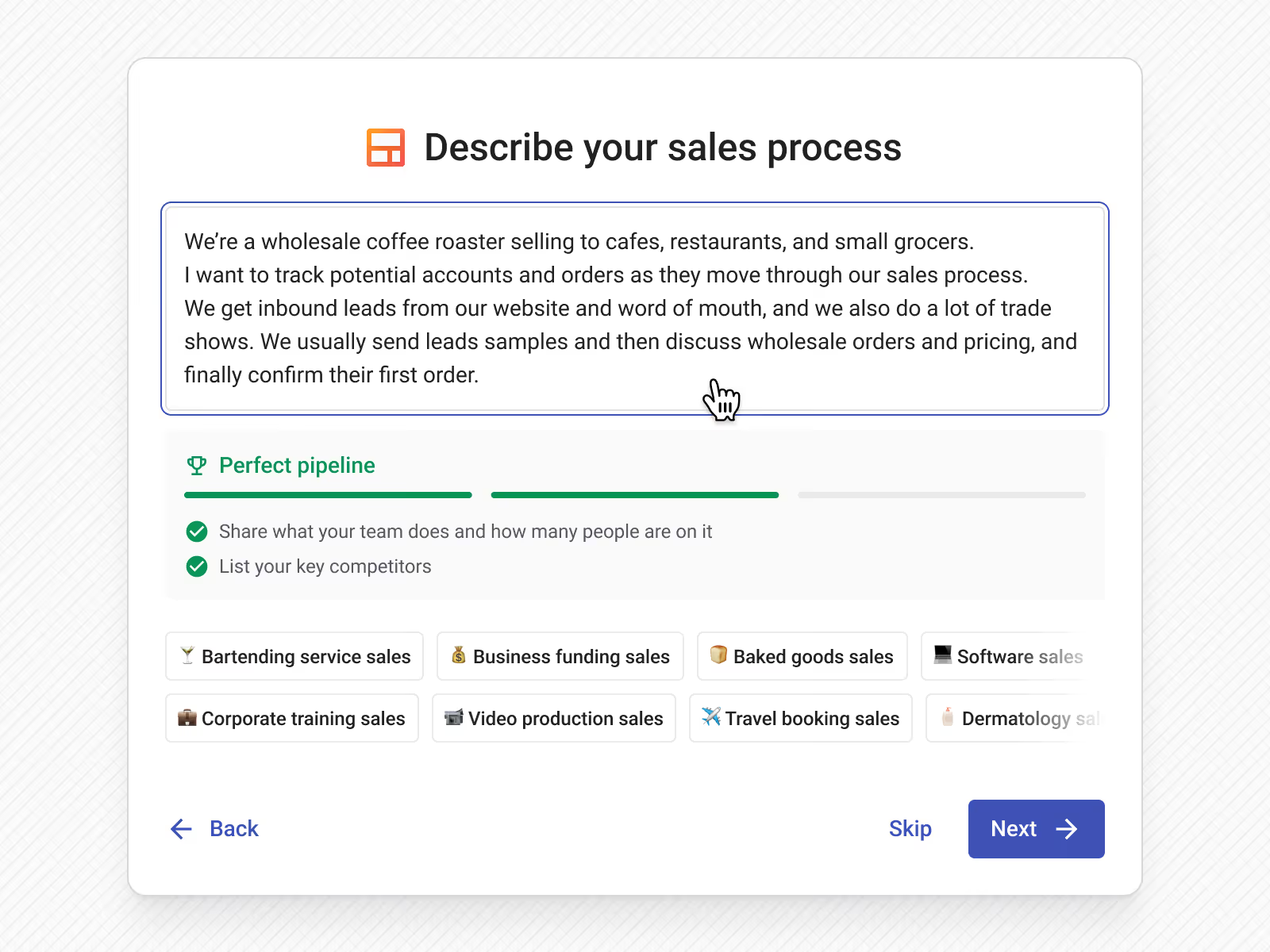
In your own words, explain:
Streak researches your business, interprets your prompt, and generates:
You'll have a chance to review your custom pipeline setup and fine-tune stages, data fields, and filters before creating your pipeline in Streak.
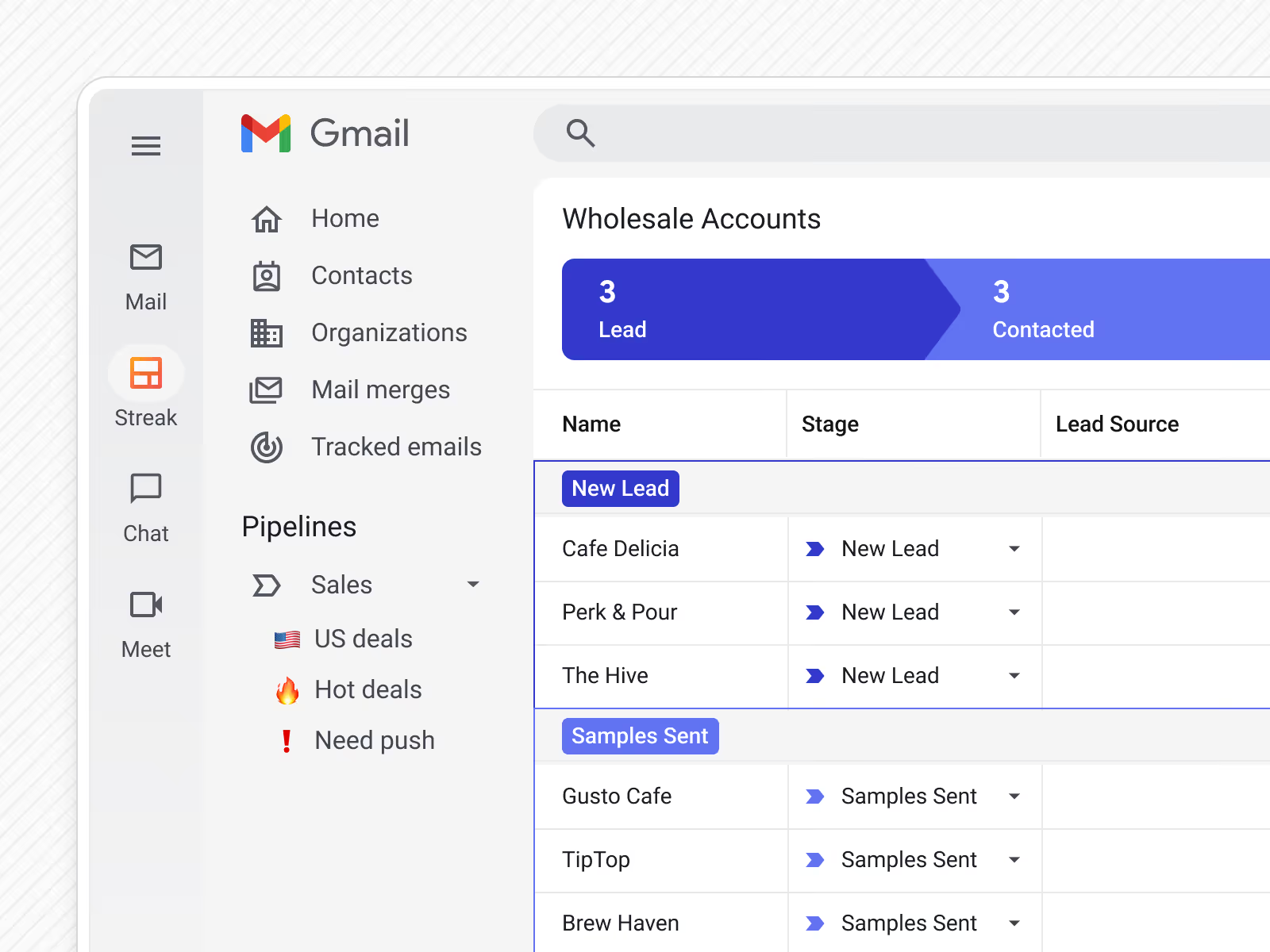
Creating a fully-customized CRM pipeline with the AI pipeline creator allows you to turn your nuanced workflow into a clear and structured process for your team. The AI Pipeline Creator solves common setup challenges by:
The AI Pipeline Creator is a Streak feature that builds a fully customized CRM pipeline from a plain‑language description of your business and workflow. It generates stages, columns, and saved views based on how you actually work.
Use it when setting up a new pipeline or reworking an existing workflow and you want a strong, accurate starting structure without manually defining every stage and field.
Describe what you do, who you work with, and the main steps your work moves through. More context leads to a stronger first draft.
The pipeline creator is designed for flexibility. Even unique or niche processes can become pipelines as long as you can describe the steps.
Yes. You can rename, reorder, add, or remove stages, columns, and saved views at any time after the pipeline is created.
No. The AI Pipeline Creator creates new pipelines and does not modify existing ones unless you choose to replace or recreate them.
Yes. The AI pipeline creator is included in all Streak CRM plans.
Can't find the answer you're looking for? Feel free to chat with our friendly team!


